
Lucky Star App: Casino and Sports Betting in Your Pocket
The app puts licensed casino games and sports betting on your smartphone. Install it once and avoid searching for a working mirror link. It connects directly to our servers, which keeps access stable when networks restrict gambling domains. Every slot, Live dealer table, and betting market loads inside one application. Place a bet on IPL, Pro Kabaddi, or ISL during your commute, or spin Aviator between meetings. The Lucky Star app download takes under two minutes on Android or iOS.
200% up to 50,000 INR +130 Free Spins
Up to 600 Free Bets on Aviator
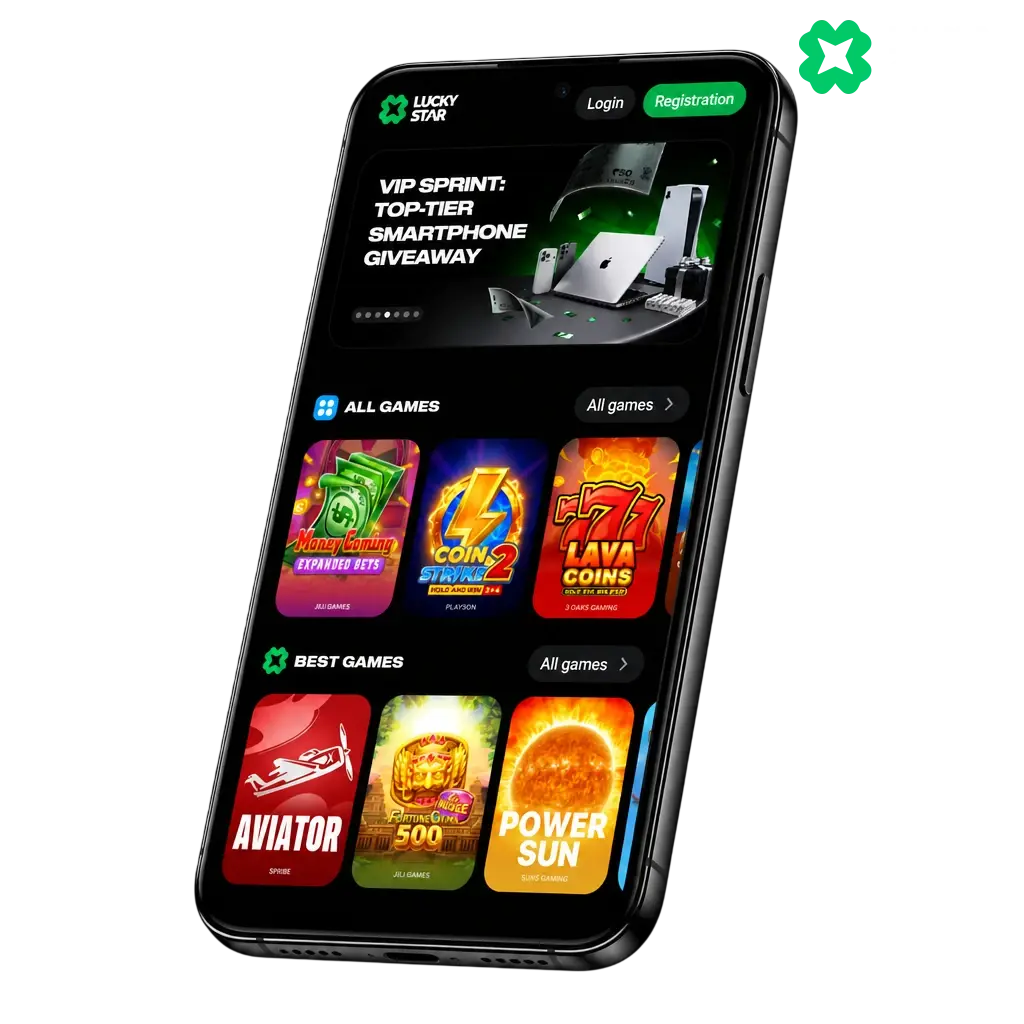
Lucky Star App Features and Design
The app carries the brand’s signature palette: deep navy backgrounds (#0B1021) paired with bright green (#00CE68) accents on active tabs and buttons. The contrast keeps odds and balances readable under direct sunlight. The layout adapts to screen sizes between a budget Android handset with a 5 inch display and the iPhone 16 Pro Max with a 6.7 inch display. Icons stay sharp on standard and Retina displays. Menus condense into a bottom bar on compact screens, keeping every core section a tap away.
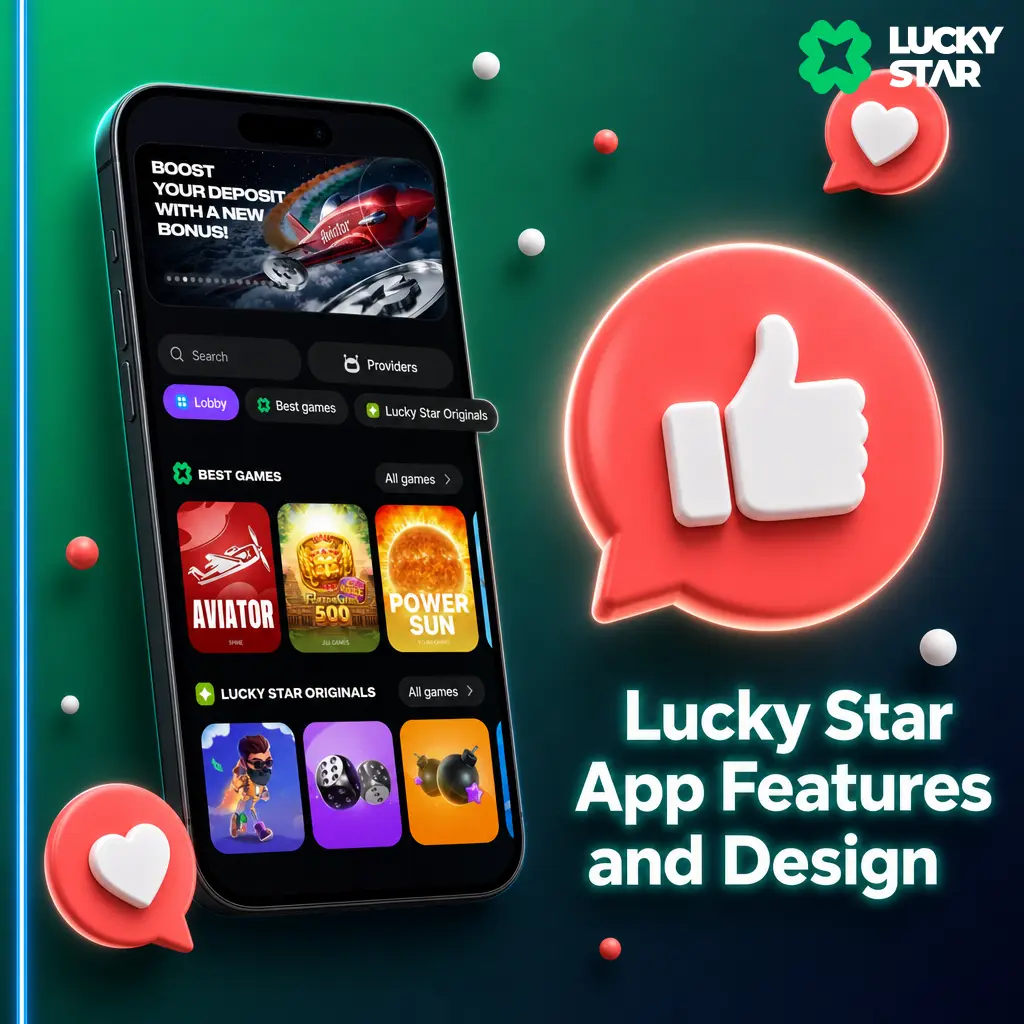
Sports Betting, Casino Games, and Live Betting Inside the App
The app carries every feature from the desktop platform. Pre-match lines cover cricket, football, tennis, and kabaddi, with over 30 markets per fixture. Live odds update as the match develops, with in-play markets for IPL, ISL, and Pro Kabaddi. Live stream viewing plays inside the app for eligible fixtures, so you track the action next to your bet slip. The casino section opens directly into slots, Aviator, and other crash games. Live dealer tables, including Blackjack, Roulette, and Teen Patti, load without leaving the app. Bonus activation and withdrawal requests sit one tap from the account menu. Customer support opens through in-app chat, answering most queries within minutes.
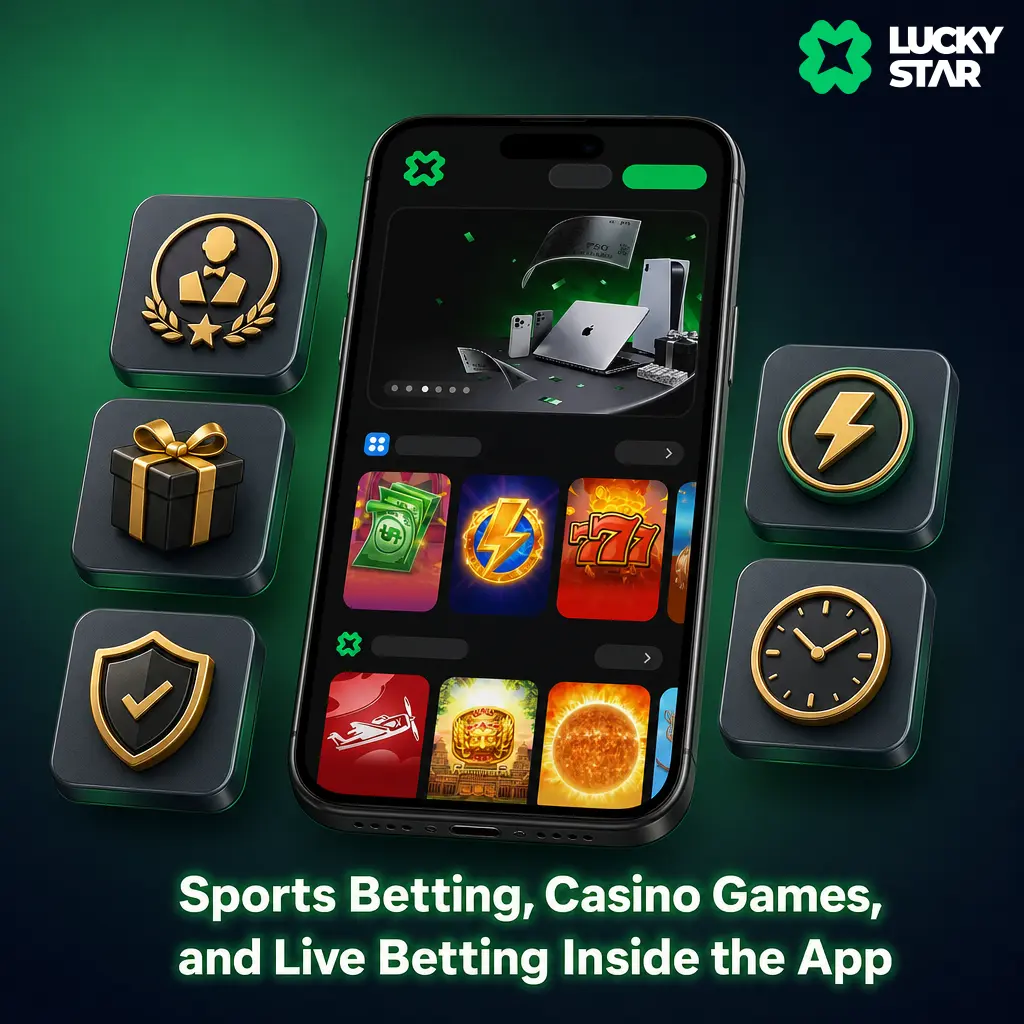
Navigation, Bet Slip Access, and Search Tools
Bottom navigation holds four tabs: Sports, Casino, Promotions, and Account. The bet slip sits as a floating icon, so adding a second selection takes one tap from any sports page. The casino lobby filters games by provider, volatility, and category, including Slots, Live Casino, and Crash games. A search bar at the top locates a title by name or studio, useful when you look for Pragmatic Play or Evolution releases. Every control sits within thumb reach on a 6 inch screen, letting you browse and place bets using a single hand on a train or in a queue.
Lucky Star App Compared to the Mobile Site
The mobile site works through any browser, with no download and no storage used on your device. It suits an occasional quick bet. The app wins on daily use. UI elements sit inside the installed package, so screens load faster than through a browser. Data consumption drops, since the app pulls only live odds and balances instead of full page assets. Performance stays stable on a weak 3G signal in rural areas, where the browser version can time out.
Lucky Star App Download and Installation in India
Downloading the app costs nothing and takes under three minutes on Android or iOS. Every India resident above 18 years can install it directly from this page, with no VPN or regional switch required for the Android version. The process involves four to six short steps, covered below for Android, iOS, and Windows. Install it once, and future updates arrive through the app itself, without a repeat download.
Lucky Star APK for Android
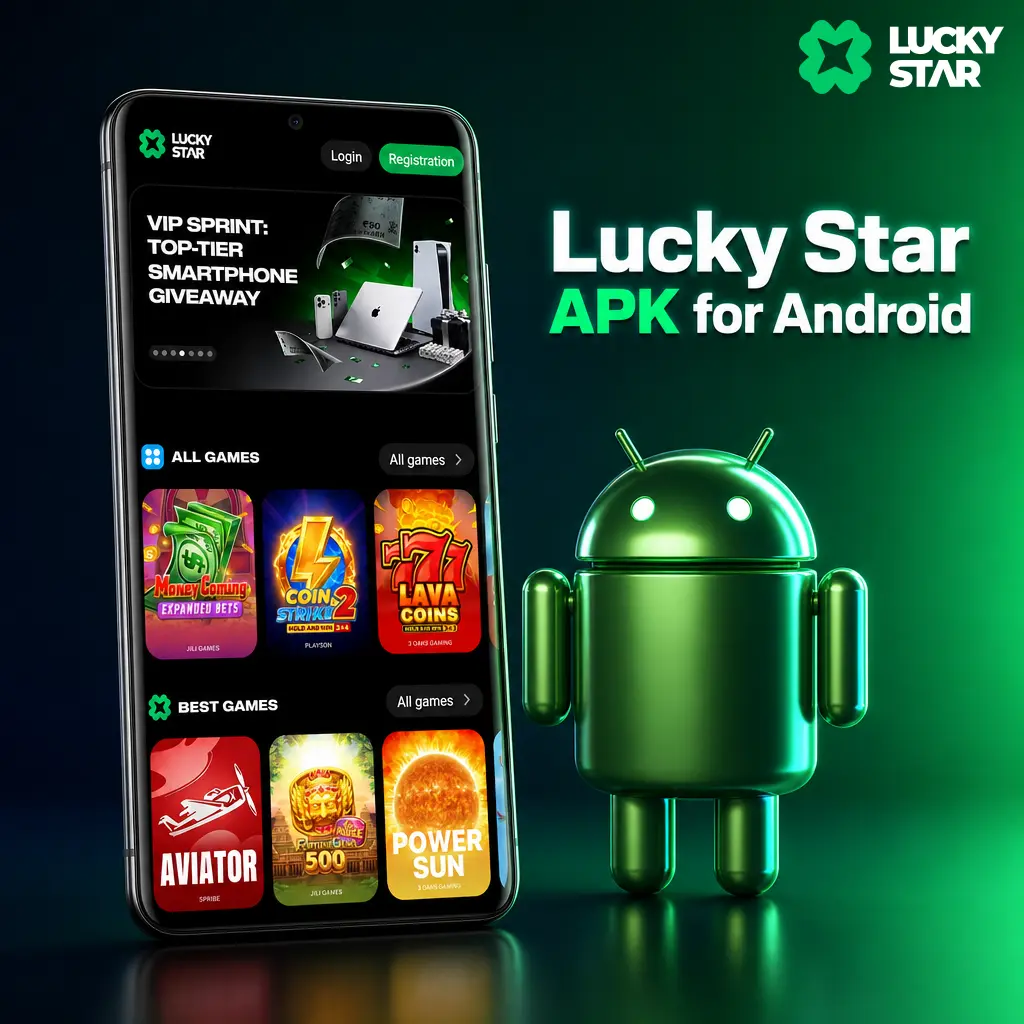
Google Play restricts gambling apps in most regions, so the Android build ships as a direct APK file instead of a Play Store listing. The file carries no malware and poses no risk to your device, since it comes straight from our servers and installs through your phone’s standard package installer.
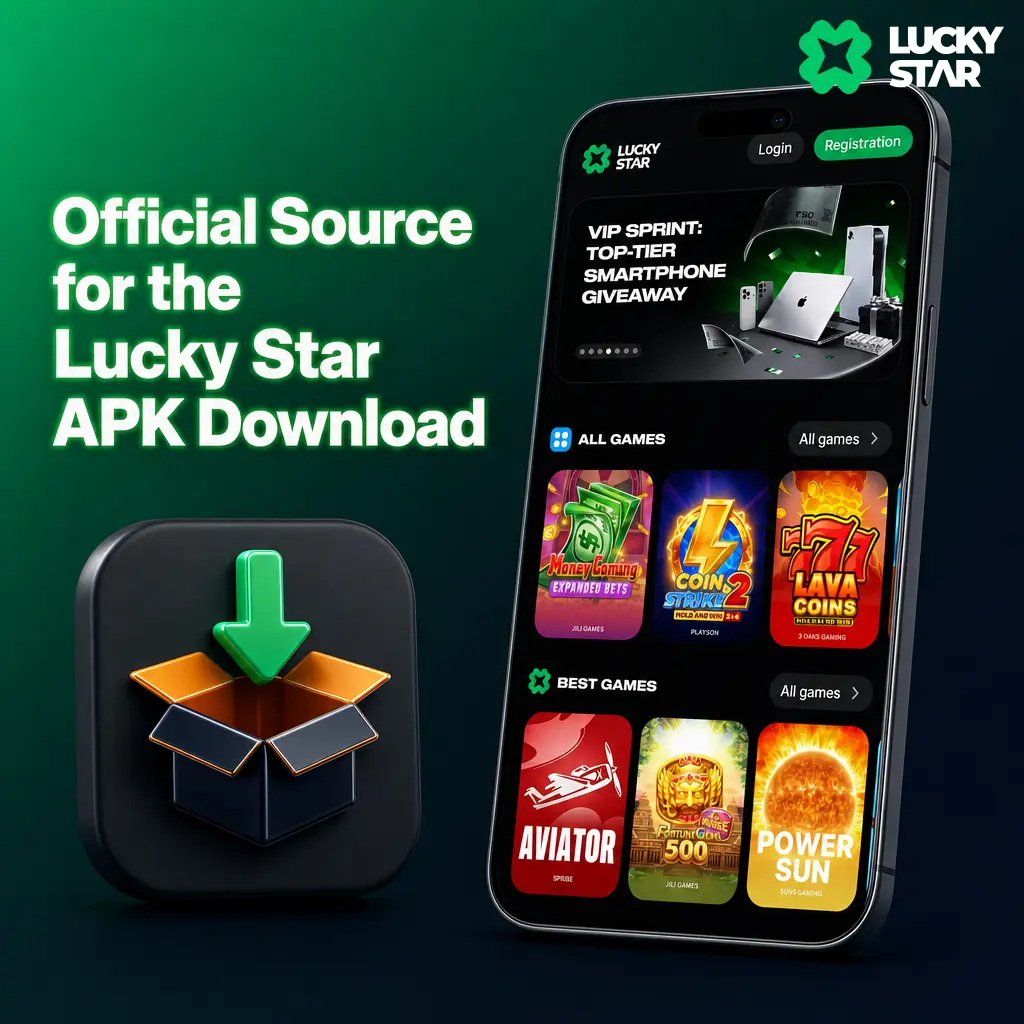
Official Source for the Lucky Star APK Download
Download the APK only through the button on this page. Third party forums, file sharing sites, and unofficial app repositories carry a phishing and malware risk, since modified APK files can hide tracking code or steal login credentials. This page hosts the current, verified build of the app, updated with each release.
Installing the Lucky Star App on Android
The app installs on Android in five steps and under three minutes total. Follow the sequence below to go from this page to your first spin or bet.
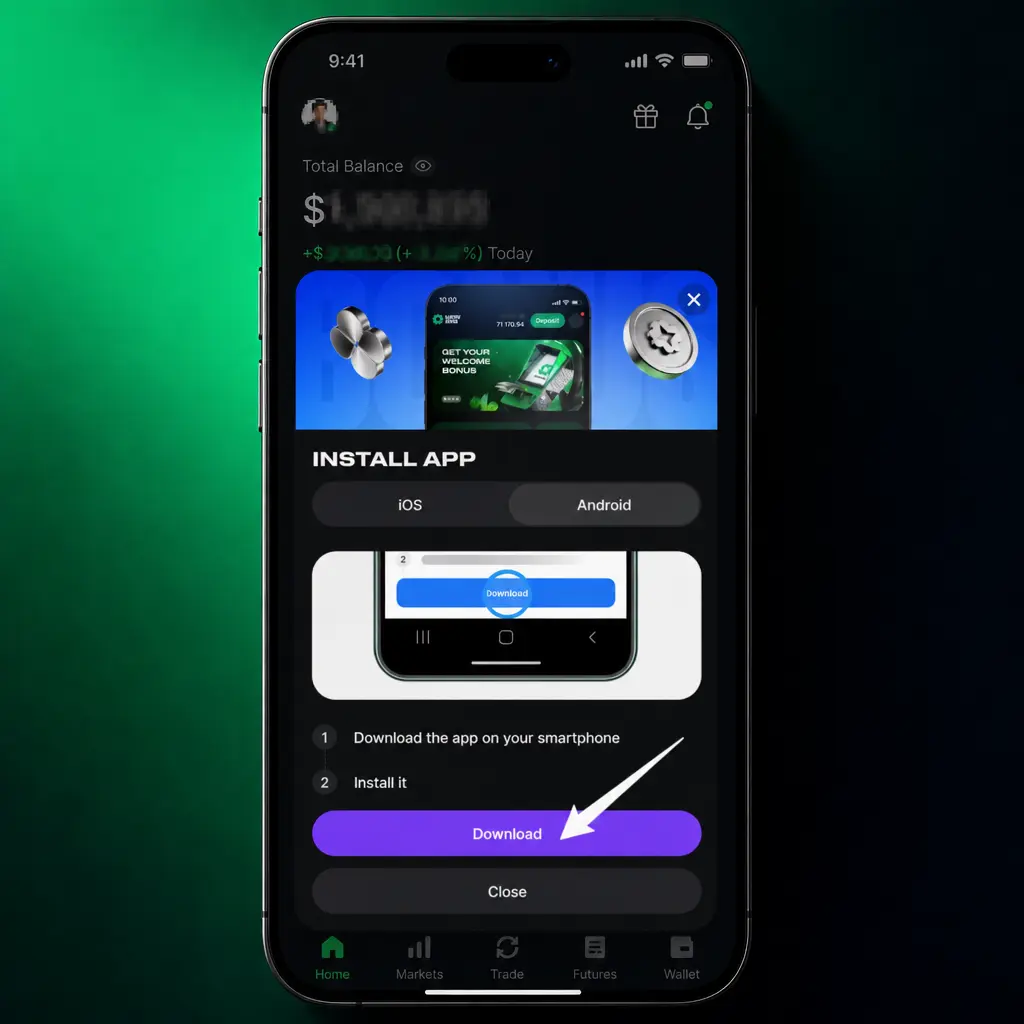
Download the APK
Tap the button below to start the APK download directly from this page.
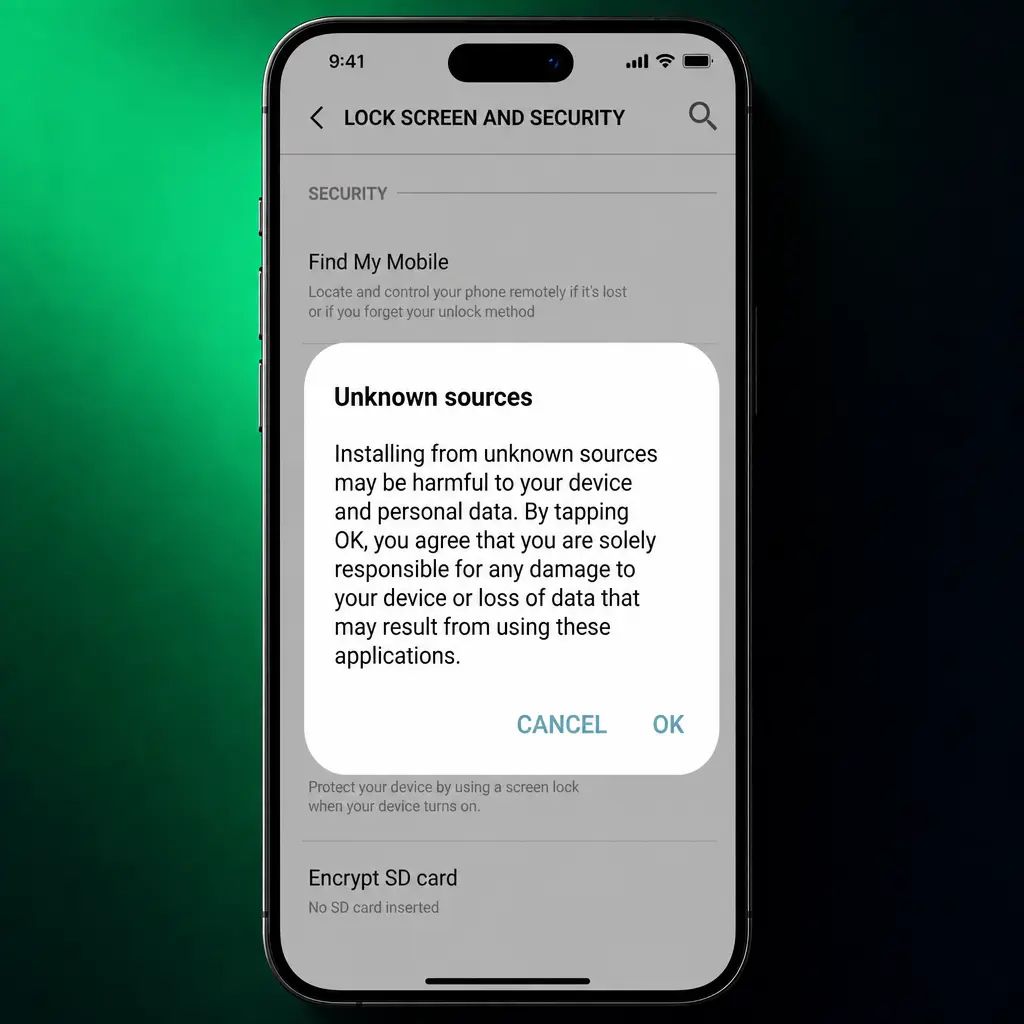
Allow unknown sources
Open your phone Settings, select Security or Apps, and enable Install unknown apps for your browser or file manager.
Open the downloaded file
Locate the APK in your Downloads folder and tap it to start the installer.
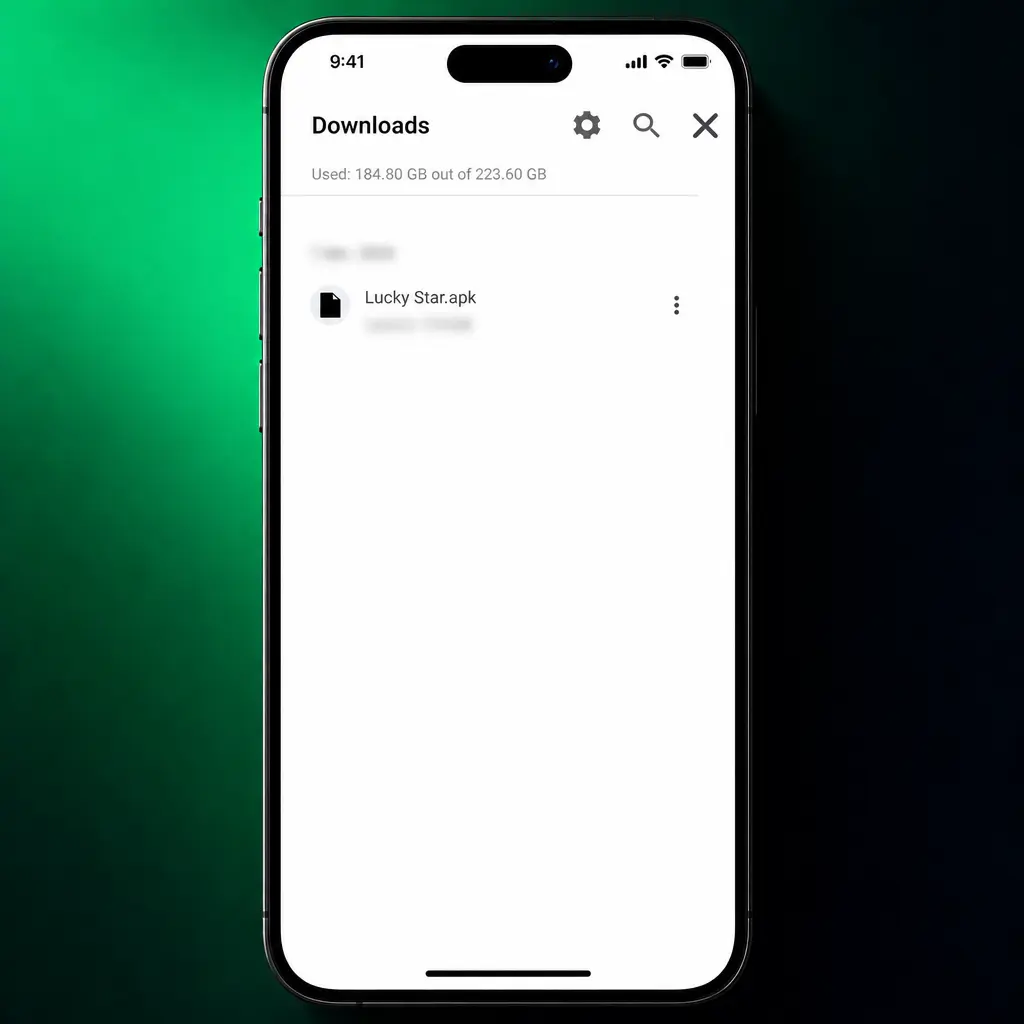
Confirm the installation
Tap Install on the confirmation screen and wait for the process to finish, typically under 30 seconds.
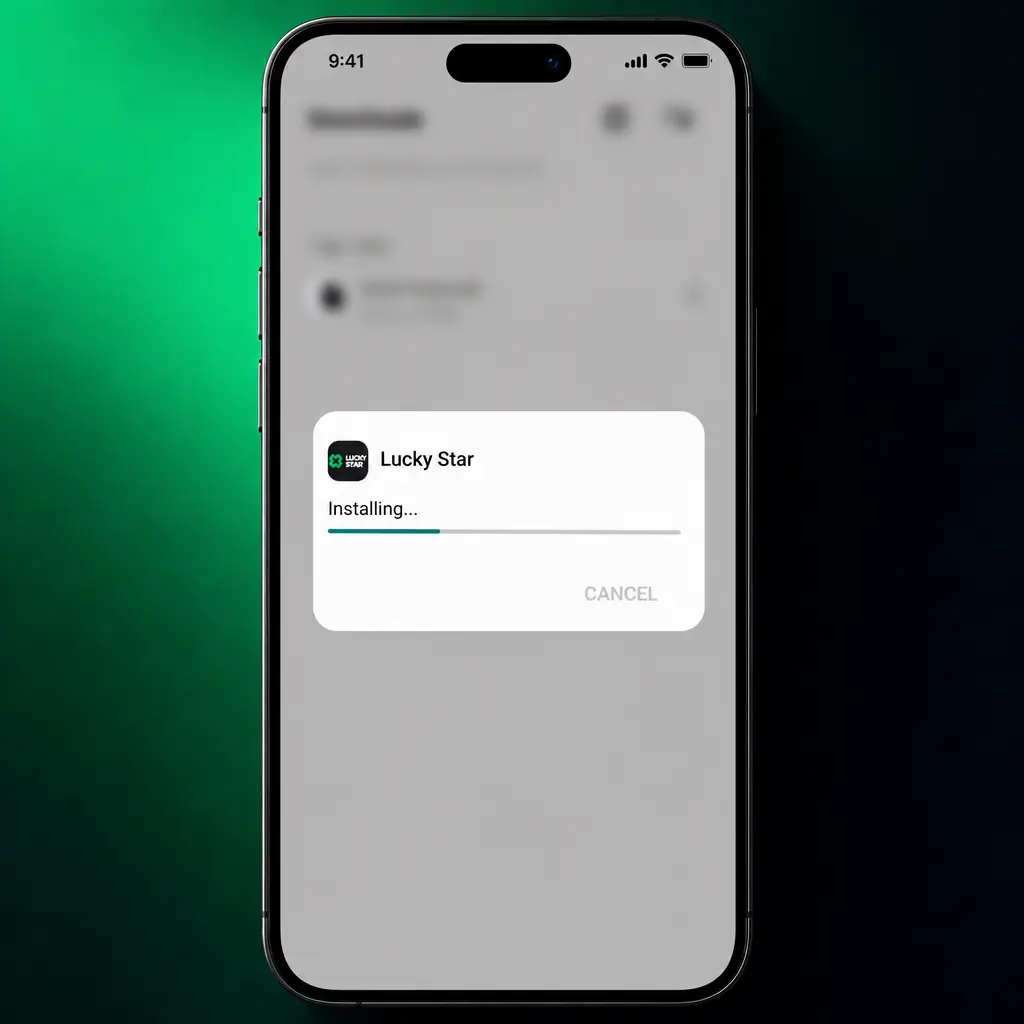
Open the app
Tap Open once installation completes, or find the icon on your home screen.
Log in or register
Enter your existing credentials or create a new account to start playing.
System Requirements for Android Devices
The app runs on most Android phones sold in India since 2019. Check the table below before you download.
| Parameter | Minimum | Recommended |
|---|---|---|
| OS Version | Android 7.0 | Android 10 or higher |
| RAM | 2 GB | 4 GB or more |
| Storage | 85 MB free | 150 MB free |
| Internet | 3G connection | 4G or Wi-Fi |
| Screen Size | 4.7 inch | 5.5 inch or larger |
Lucky Star App for iPhone and iPad
The app runs natively across iPhone and iPad models released since 2018. Every casino title, sports market, and payment option available on Android works the same way on iOS, with layouts adjusted for the larger iPad display.
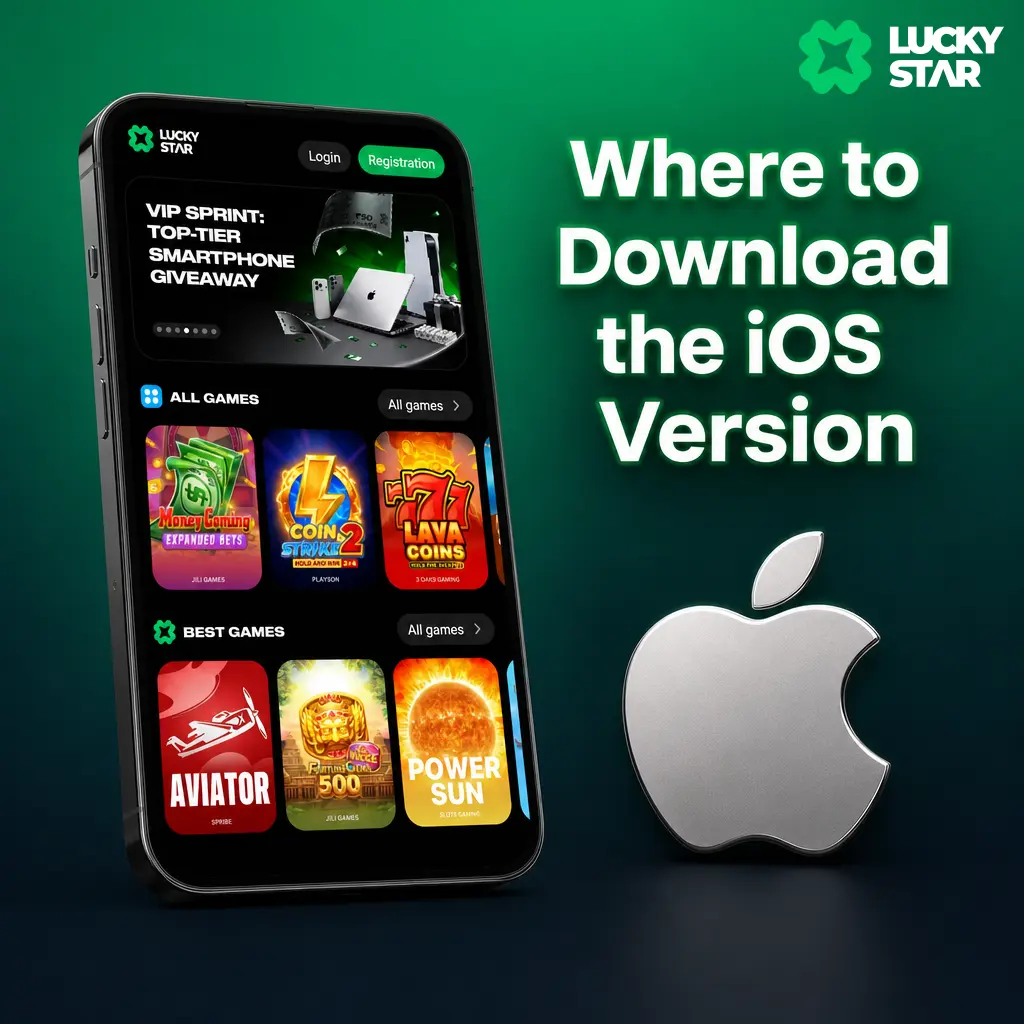
Where to Download the iOS Version
The app may appear in the India App Store, or through an Apple ID set to a supported region. If the listing is temporarily unavailable, add the Lucky Star Web App to your home screen through Safari, which opens like a native app with full functionality. Use only the link below, provided directly on this page.
Installing the App on iPhone and iPad
The app installs on iPhone and iPad in four to five steps, depending on your iOS version.
Open the download page
Tap the button below on this page to access the iOS installation link.
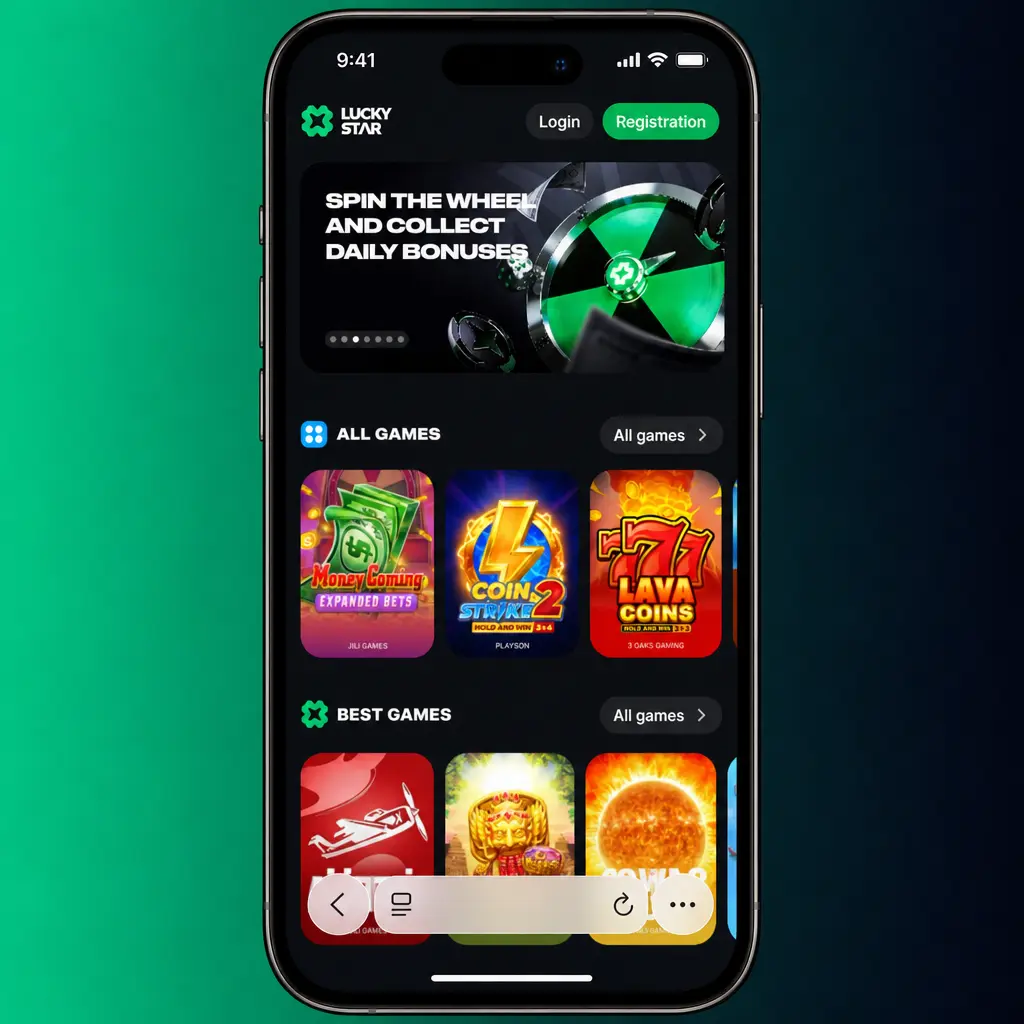
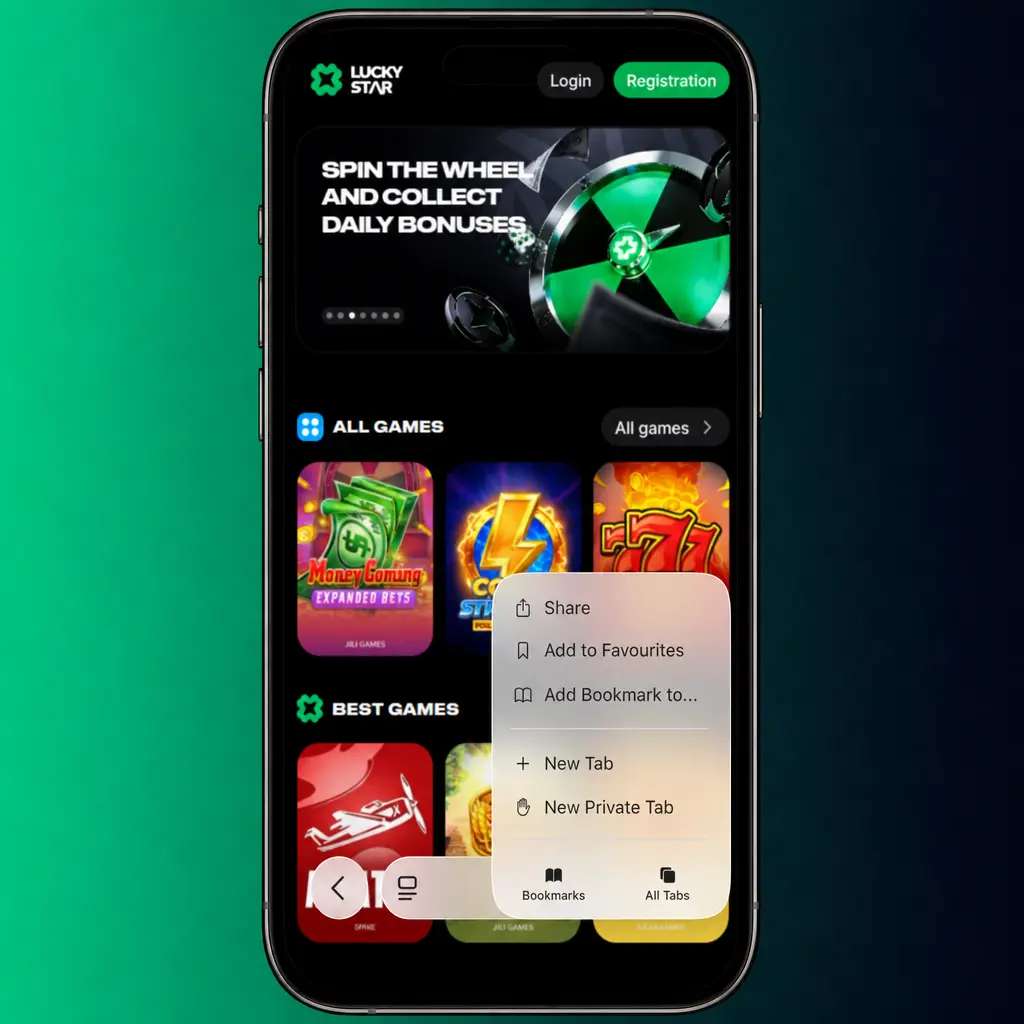
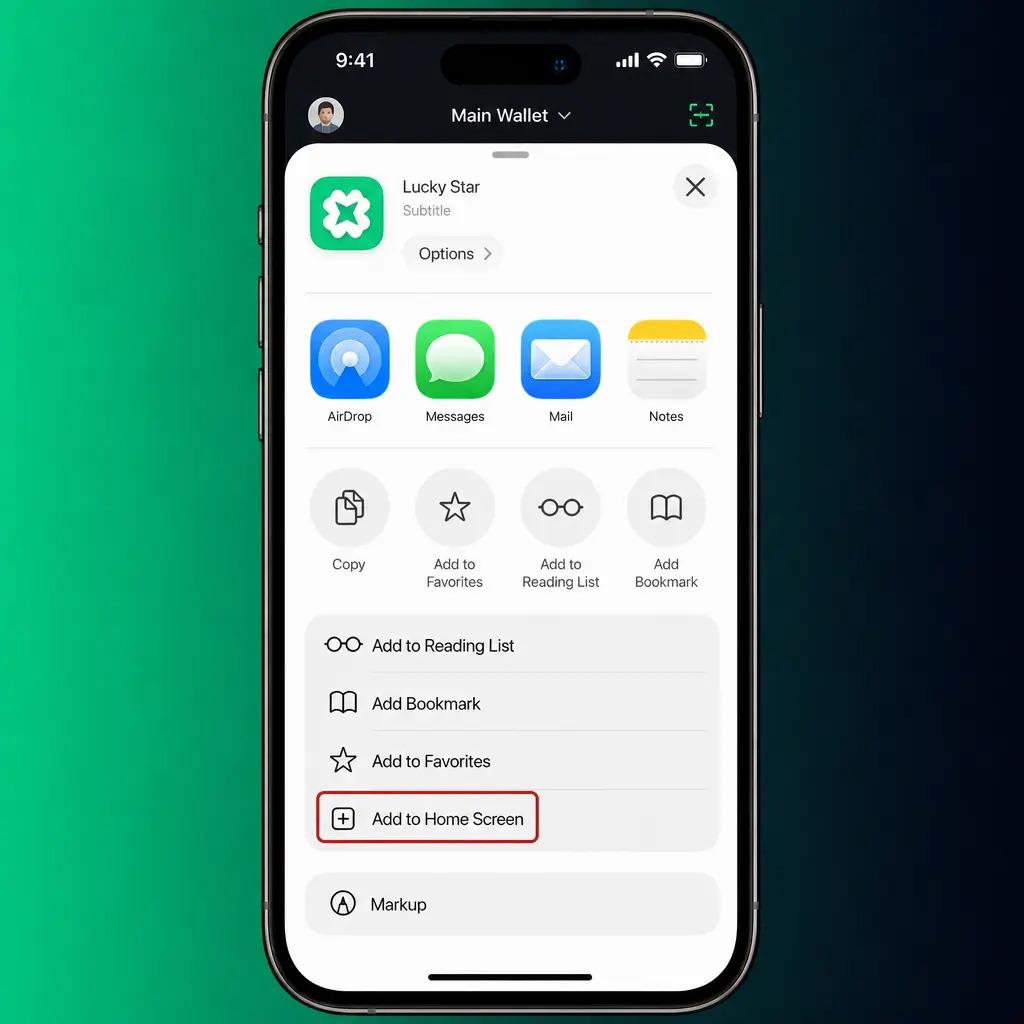
Add to Home Screen
Open the link in Safari and select Add to Home Screen from the share menu.
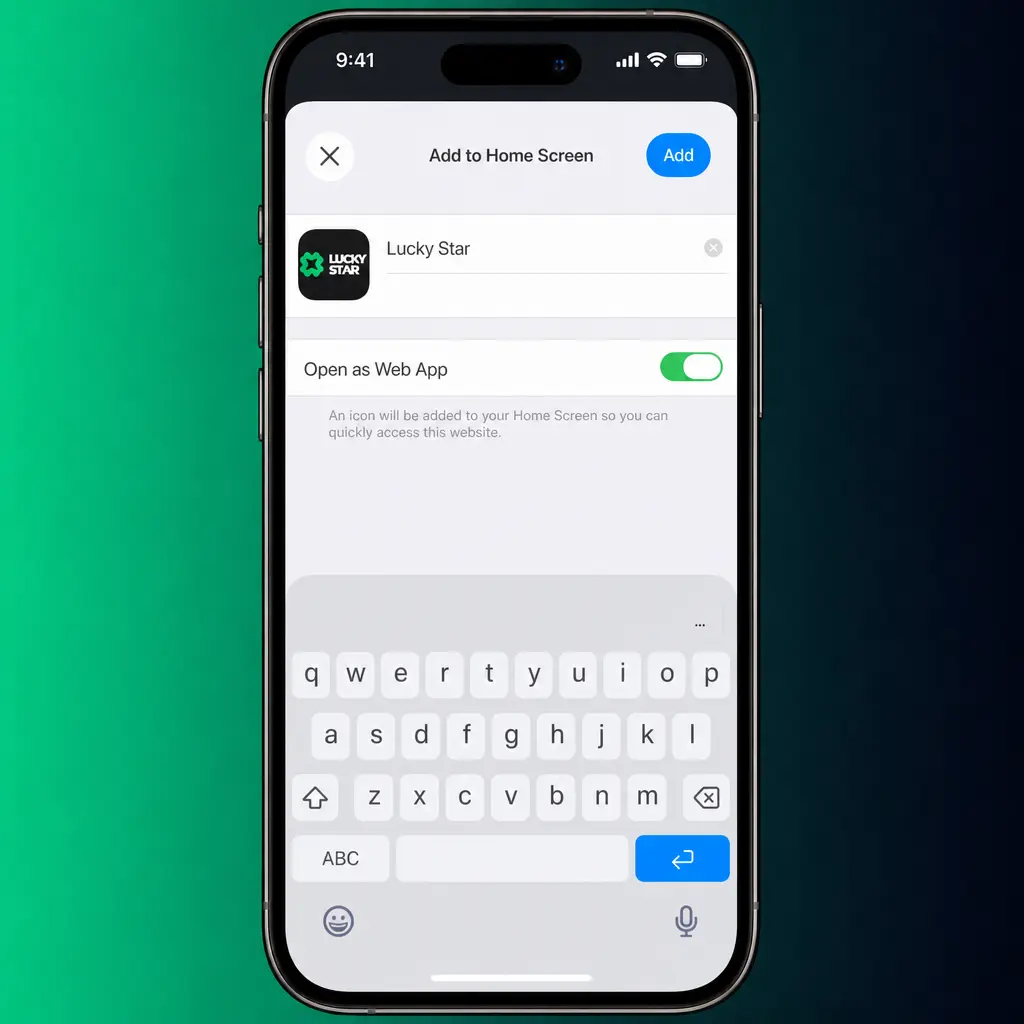
Confirm the shortcut
Name the icon Lucky Star and tap Add in the top right corner.
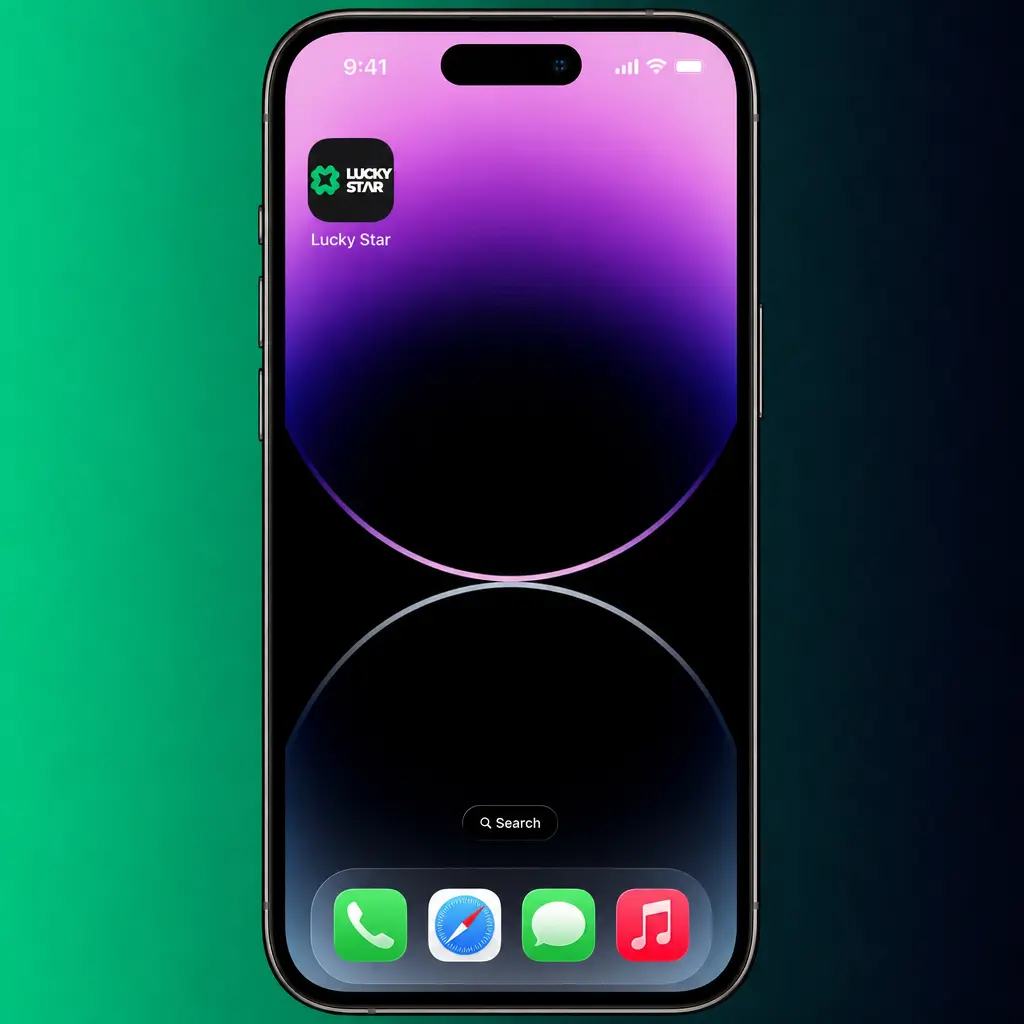
Open the app icon
Locate the new icon on your home screen and tap it to launch the app.
Log in or register
Sign in with an existing account or create a new one to access the full platform.
System Requirements for iOS Devices
The app supports iPhone 7 and newer, along with compatible iPad models. Review the specifications below.
| Parameter | Minimum | Recommended |
|---|---|---|
| OS Version | iOS 13 | iOS 16 or higher |
| Device | iPhone 7 | iPhone 11 or newer |
| Storage | 90 MB free | 160 MB free |
| Internet | 3G connection | 4G or Wi-Fi |
Lucky Star App for Windows PC
A dedicated Windows application gives desktop players a stable, browser independent way to reach the platform. Install it once on your laptop or desktop, and every session opens directly from your taskbar, without typing a URL or checking for a working domain.

Installing the Application on Windows
The Windows application sets up in under five minutes.
Start the download
Click the button below to begin the Windows installer download from this page.
Open the installer file
Locate the downloaded .exe file in your Downloads folder and double click it.
Allow the installation
Approve the Windows security prompt to let the installer run.
Complete the setup wizard
Follow the on screen prompts and select a destination folder for the application.
Launch and log in
Open the icon from your desktop and sign in to your account.
Registration and Login Through the Lucky Star App
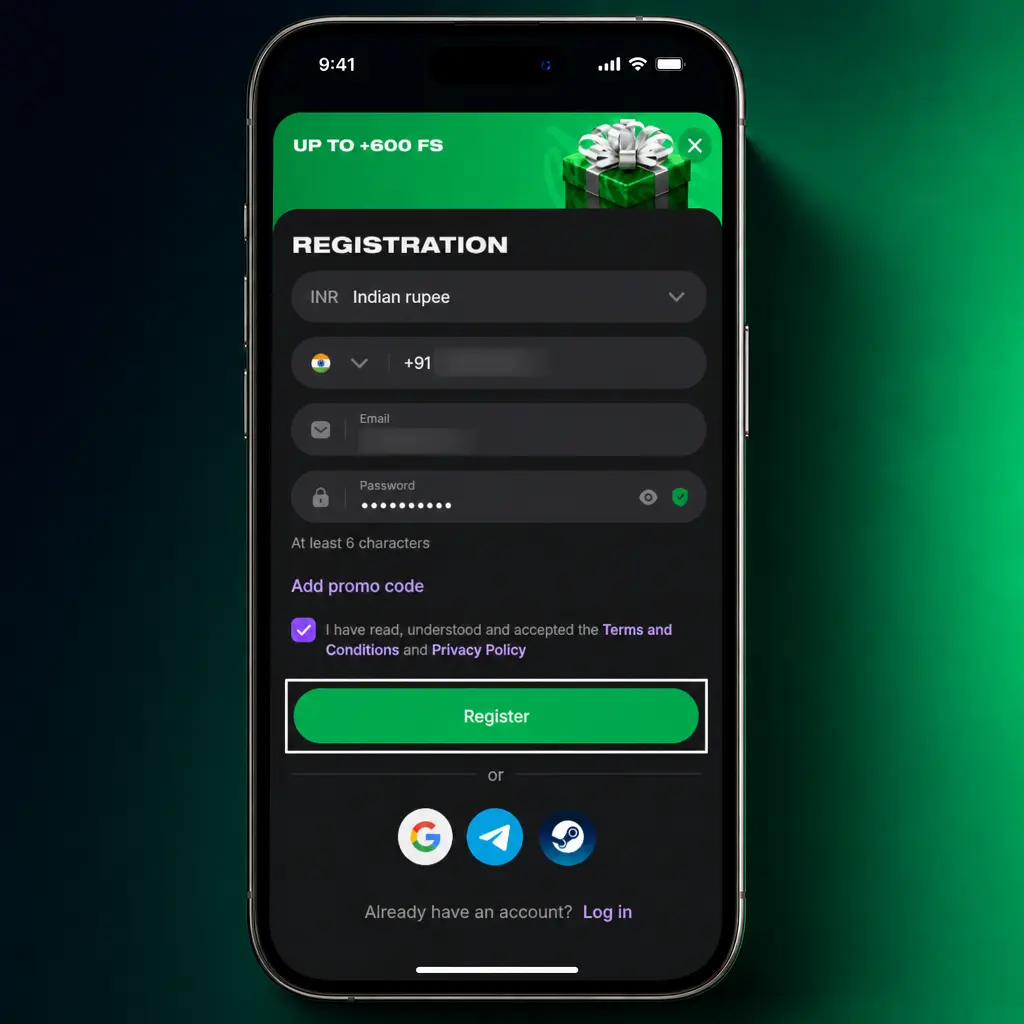
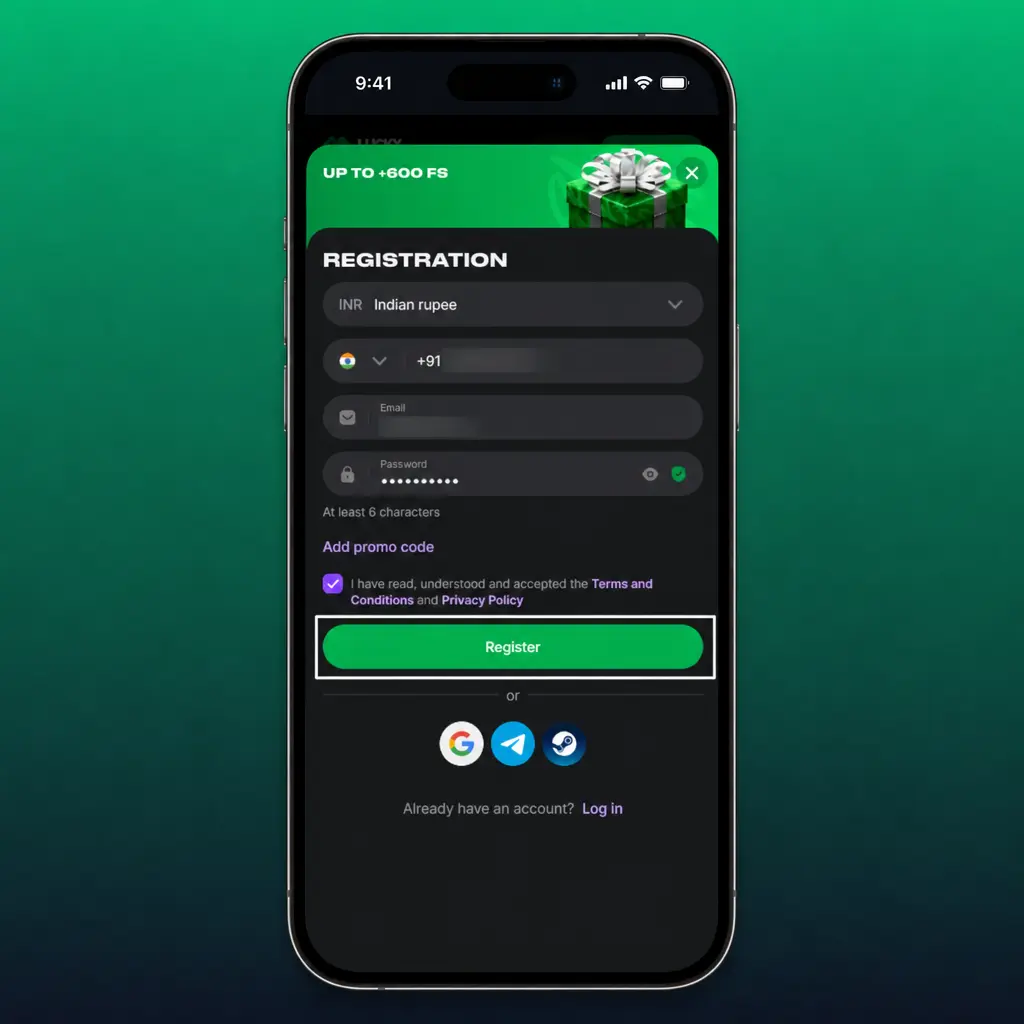
Account creation inside the app takes under a minute, with a single mobile number or email required. Returning players reach their balance and bet history within two taps of opening the app.
Creating a New Account
A new account through the app requires four basic details.
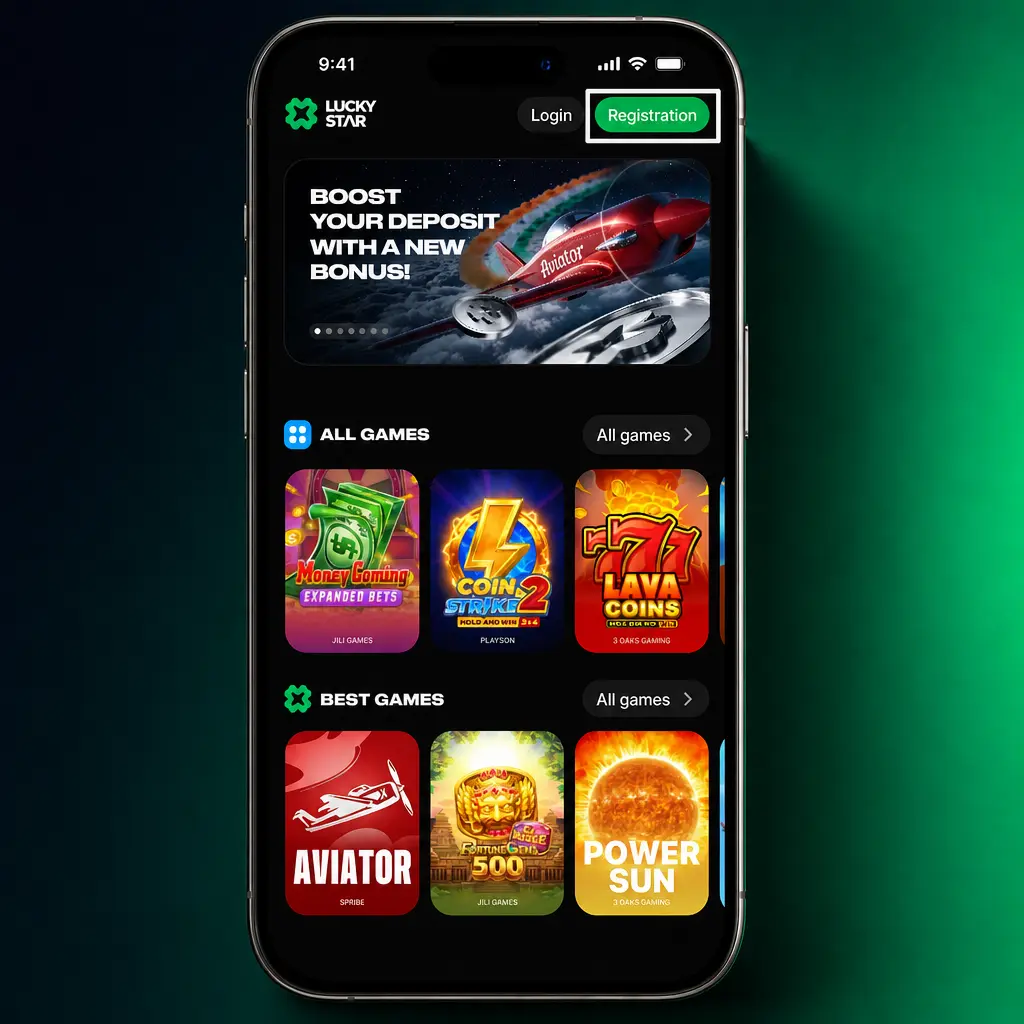
Choose a registration method
Select mobile number, email, or one click registration with INR as the default currency.
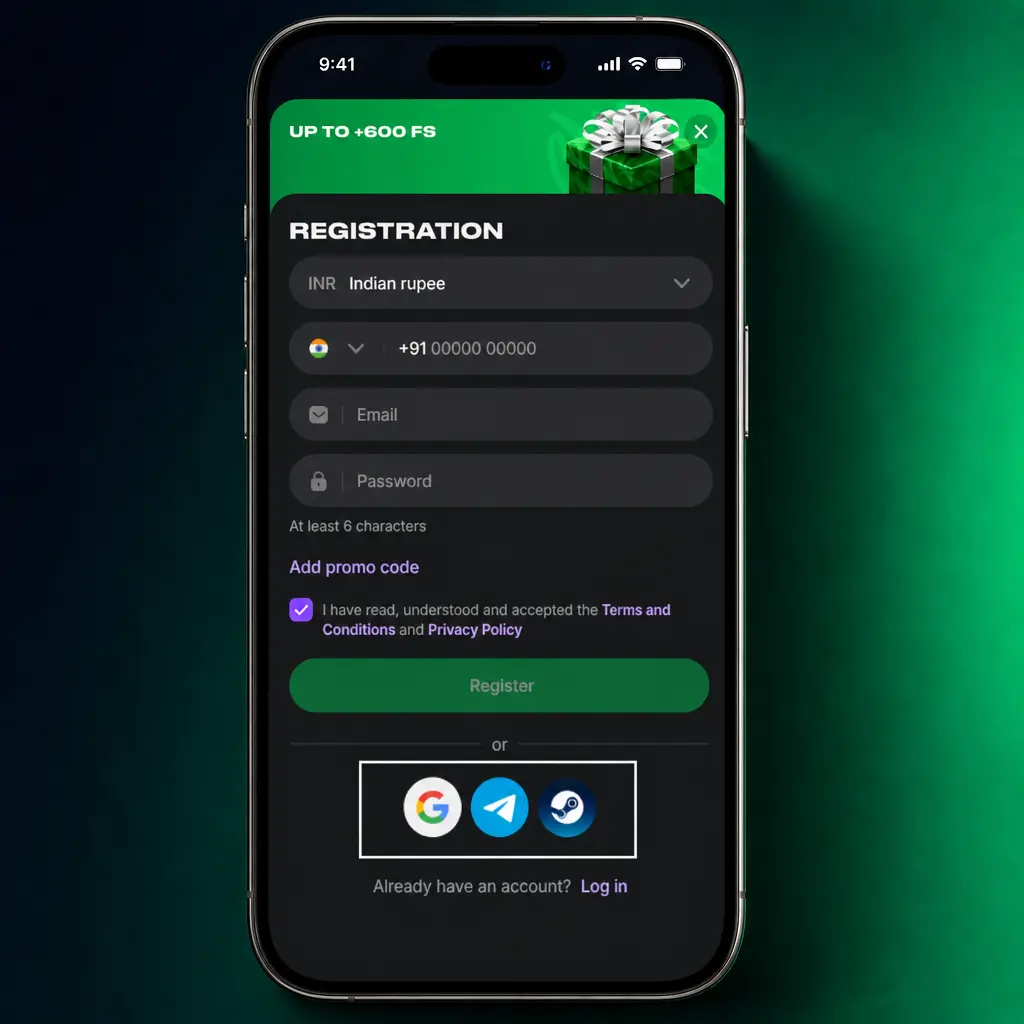
Enter your details
Provide your phone number or email, create a password, and confirm your date of birth.
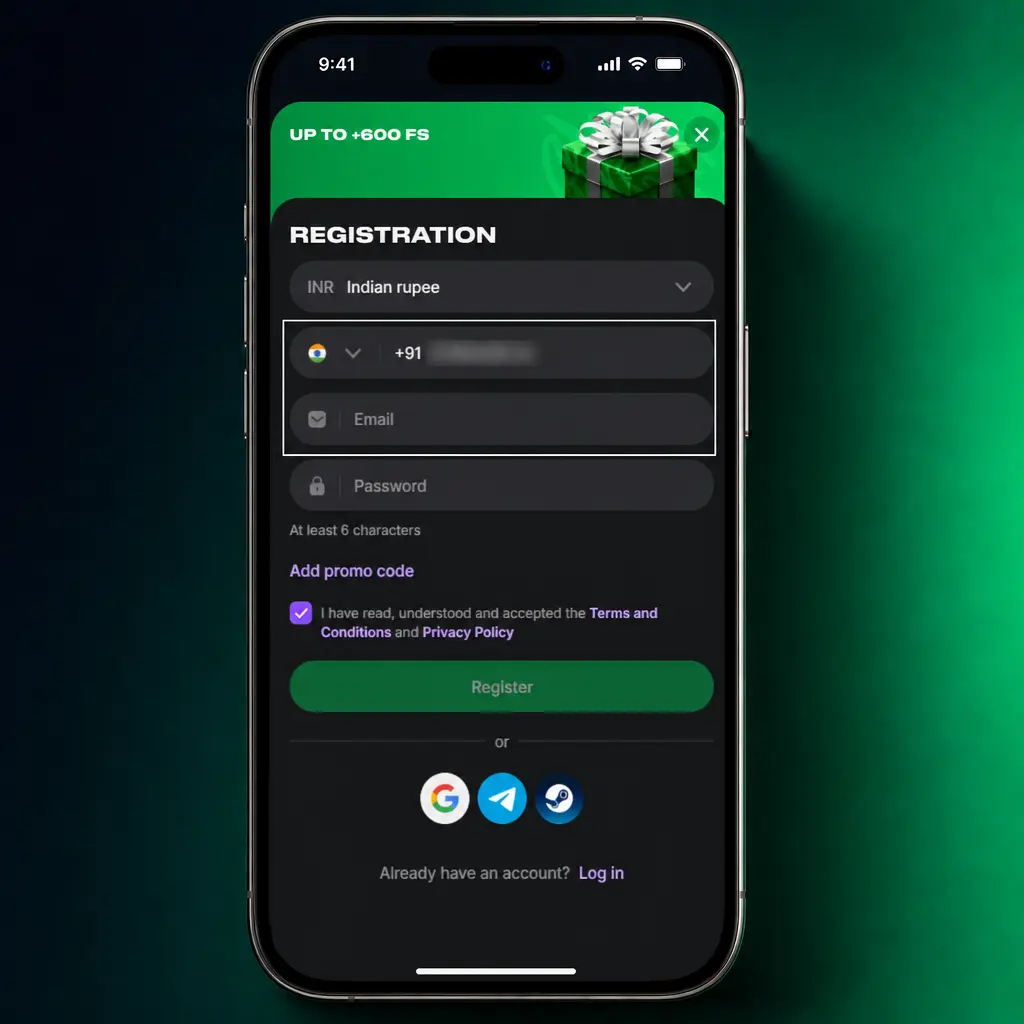
Accept the terms
Confirm you are 18 years or older and agree to the platform terms.
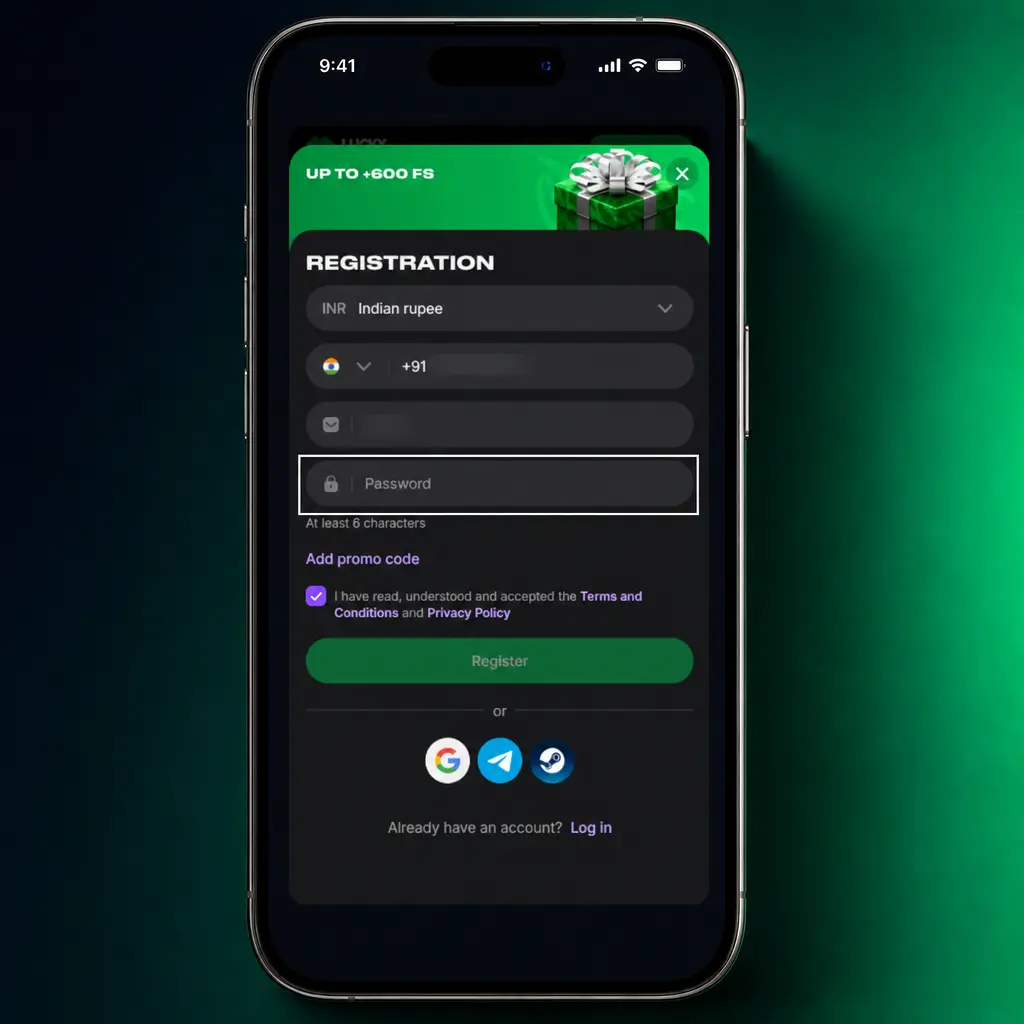
Verify your account
Enter the OTP sent by SMS or email to activate your new account.
Logging In to an Existing Account
Existing players reach their account through a short login screen inside the app.
Players with an existing account must log in directly. A new registration can create duplicate accounts and delay withdrawal verification.
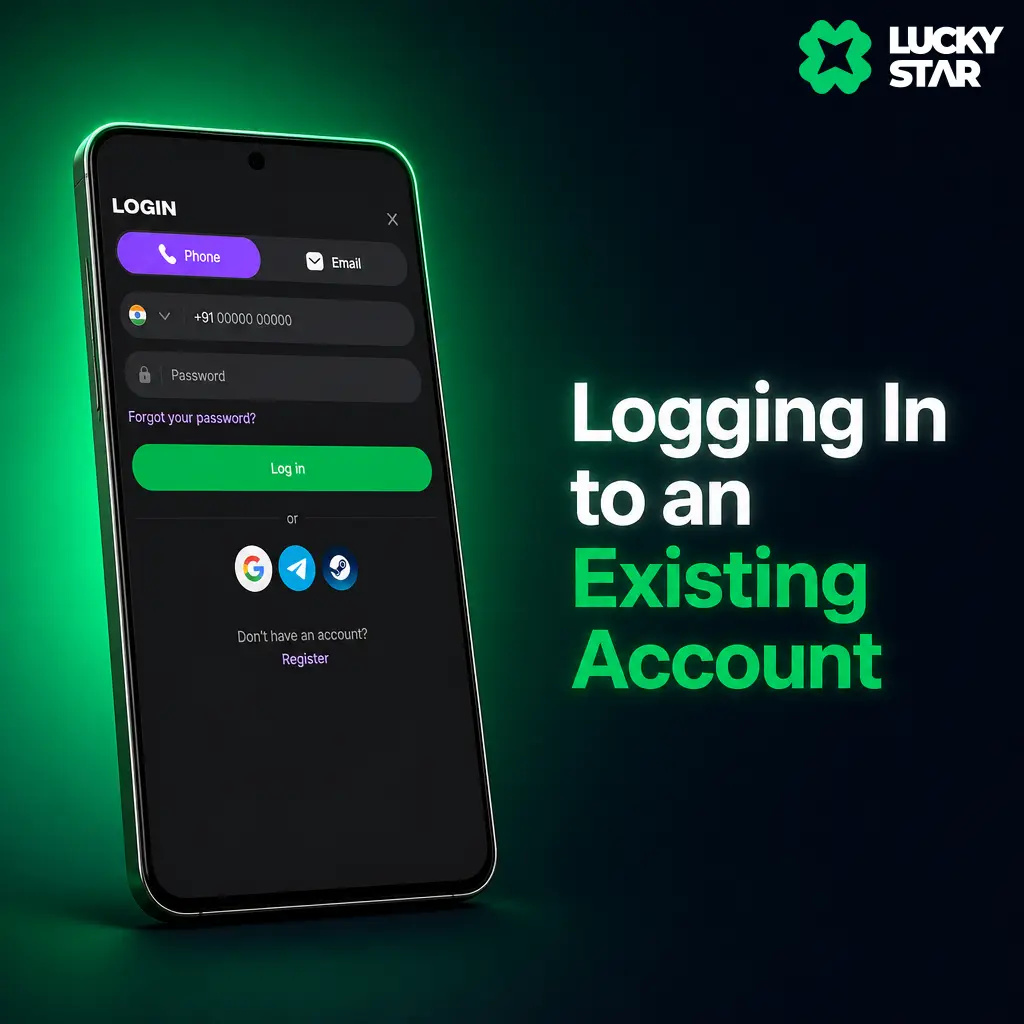
Enter your credentials
Type your registered phone number or email along with your password.
Confirm with OTP
Enter the one time code if two factor verification is active on your account.
Access your account
Tap Log In to reach your balance, bet history, and active bonuses.
Placing Sports Bets Through the Lucky Star App
Odds inside the app update as each match develops, letting you lock in a line before it shifts. Cricket markets refresh within seconds during an IPL powerplay or a Pro Kabaddi raid. The full betting line, from match winner to over or under markets, stays available on mobile the same way it appears on desktop. Add multiple selections to build an accumulator, and check your potential payout before you confirm the bet.
Placing Your First Bet
A bet through the app takes five quick steps, once you are logged in.
Open the Sports section
Tap the button below and select Sports from the bottom navigation.
Pick a sport or league
Choose cricket, football, tennis, or kabaddi from the list of active fixtures.
Select a market
Tap an odd, such as match winner or total runs, to add it to your bet slip.
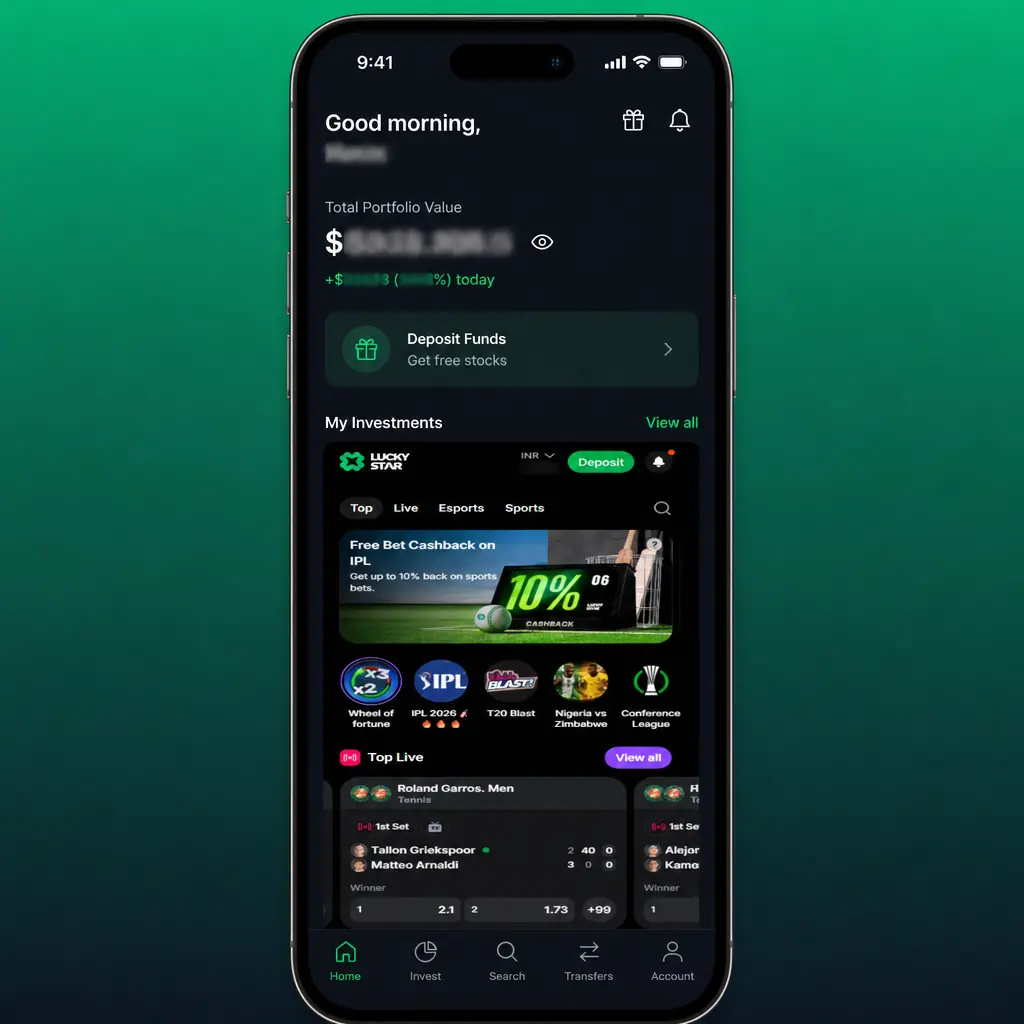
Review your bet slip
Check the selection, odds, and potential payout shown at the bottom of the screen.
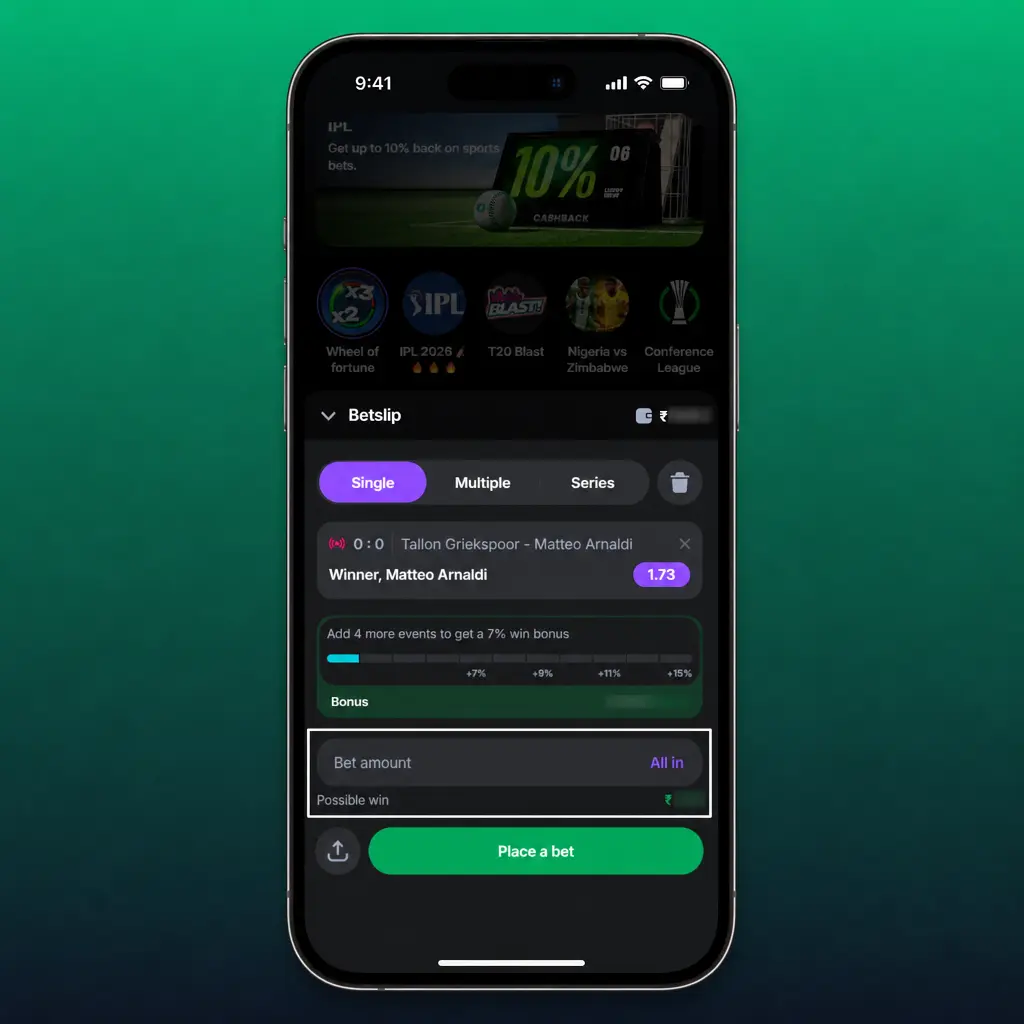
Enter your stake
Type the amount in INR you want to wager, starting from as low as 10 INR.
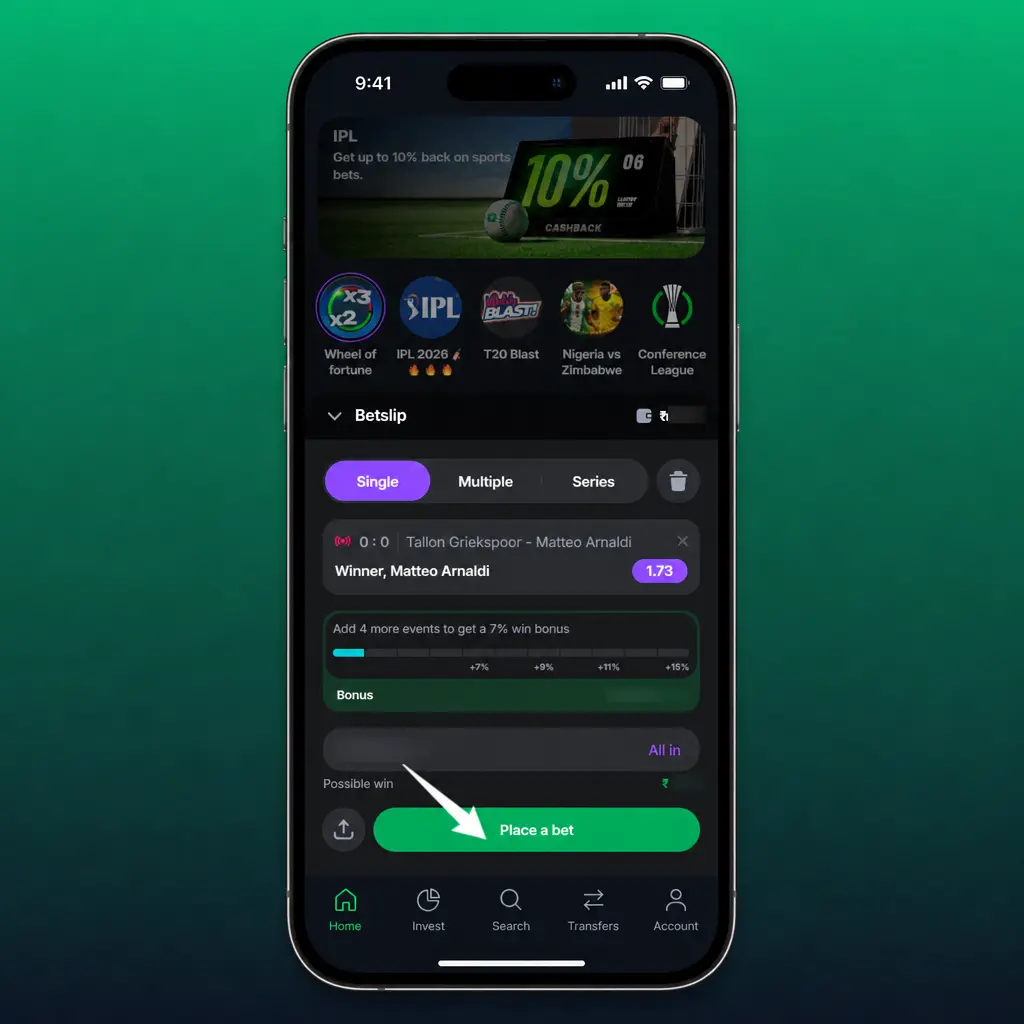
Confirm the bet
Tap Place Bet to lock in your selection at the displayed odds.
Lucky Star App Casino Section
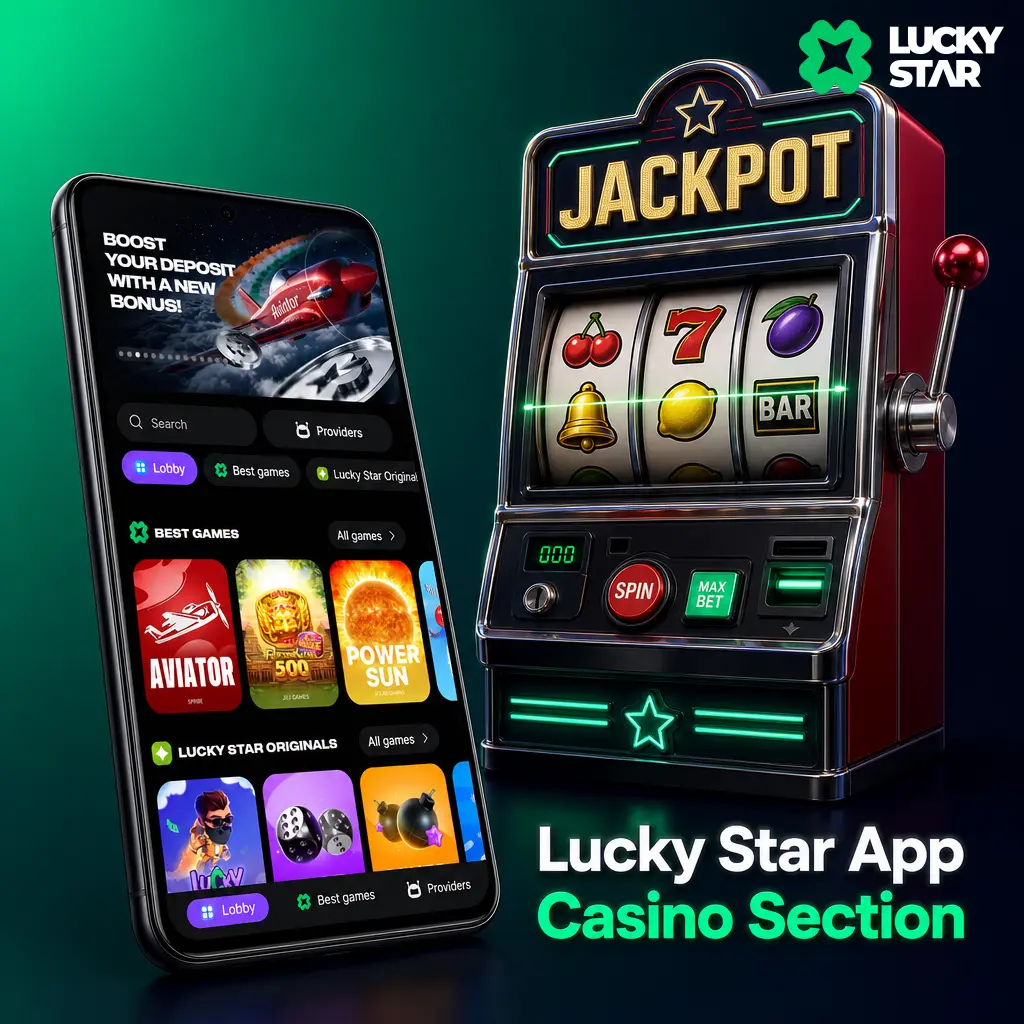
Most players now game from a smartphone rather than a desktop browser. Leading studios such as Pragmatic Play, Evolution, and Spribe build their slots and Live titles on HTML5, so every reel spin and card deal runs without a plugin and without stutter on a mid range device, with full touchscreen controls.
Game Categories Available in the App
The casino lobby organises its library by category, so you reach a preferred game type within two taps.
- Slots: over 3,000 titles from studios including Pragmatic Play, Hacksaw Gaming, and Nolimit City, covering classic 3 reel games and high volatility video slots.
- Live Casino: Blackjack, Roulette, Baccarat, and Teen Patti tables streamed from studios including Evolution and Ezugi, with dealers available around the clock.
- Crash Games: Aviator, JetX, and Spaceman, built on Spribe and BGaming engines, with a visible multiplier you cash out before the round ends.
- Table Games: digital Blackjack, Roulette, Poker, and Baccarat variants, playable without waiting for a Live dealer seat.
- Jackpot Slots: progressive titles, including entries from the Pragmatic Play Drops & Wins network, with prize pools that grow with every spin placed across the platform.
Payment Methods in the Lucky Star App
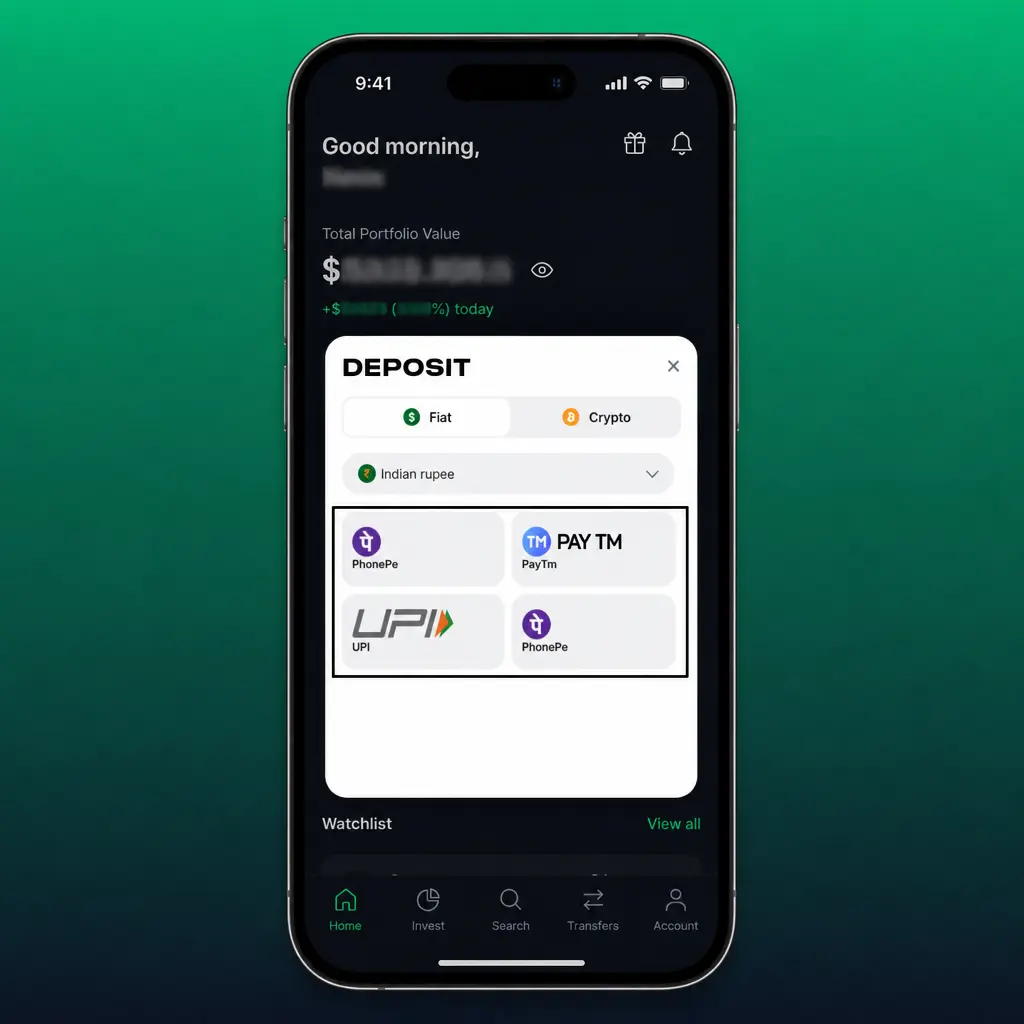
Every deposit and withdrawal inside the app runs through SSL encryption, keeping your card and bank details private. India players choose between UPI, PhonePe, Paytm, and Crypto, covering instant transfers and anonymous crypto options alike. Minimum and maximum limits vary by method, detailed in the table below.
| Method | Type | Processing Time | Limits |
|---|---|---|---|
| UPI | Deposit and Withdrawal | Instant to 15 minutes | 300 INR to 200,000 INR |
| PhonePe | Deposit and Withdrawal | Instant to 30 minutes | 300 INR to 150,000 INR |
| Paytm | Deposit and Withdrawal | Instant to 30 minutes | 300 INR to 150,000 INR |
| Crypto (USDT) | Deposit and Withdrawal | 10 to 60 minutes | Equivalent of 500 INR to 500,000 INR |

Making a Deposit Through the Lucky Star App
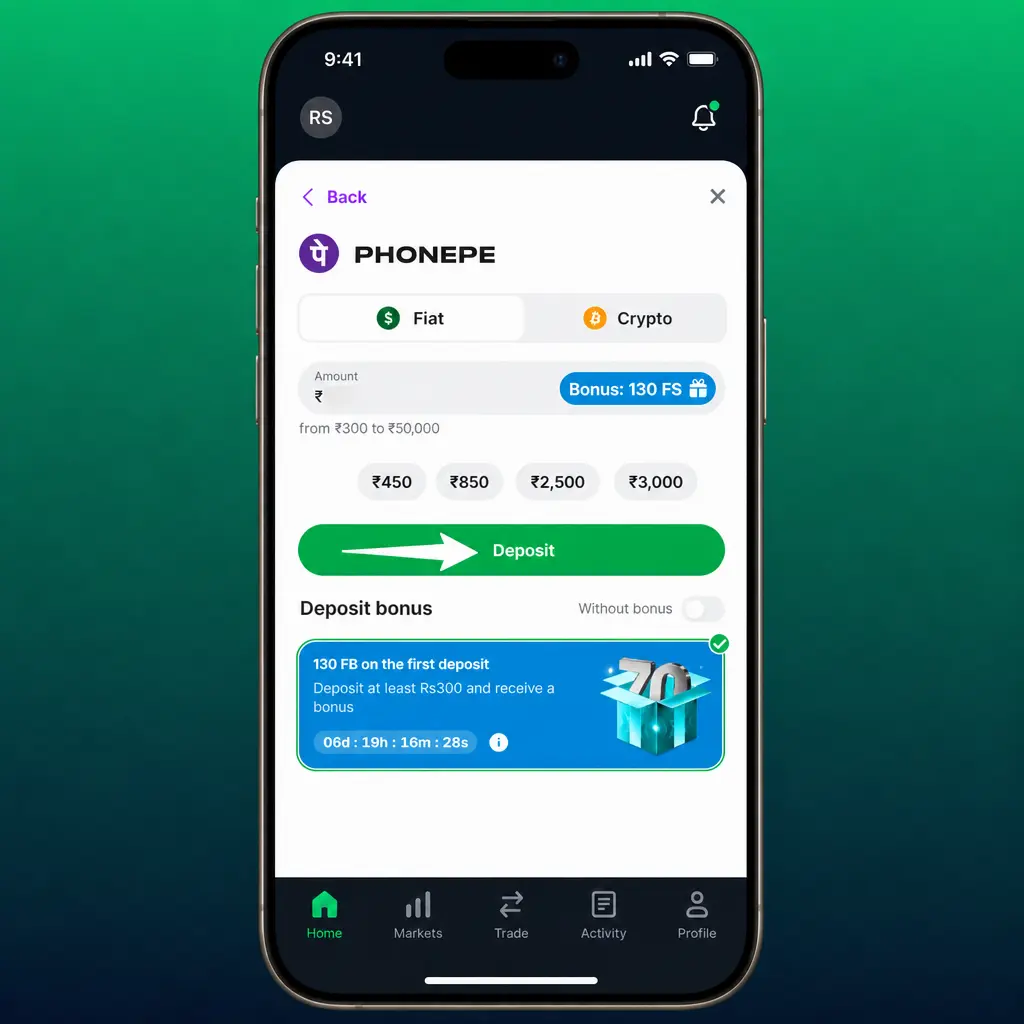
A deposit to your account through the app takes under a minute with UPI.
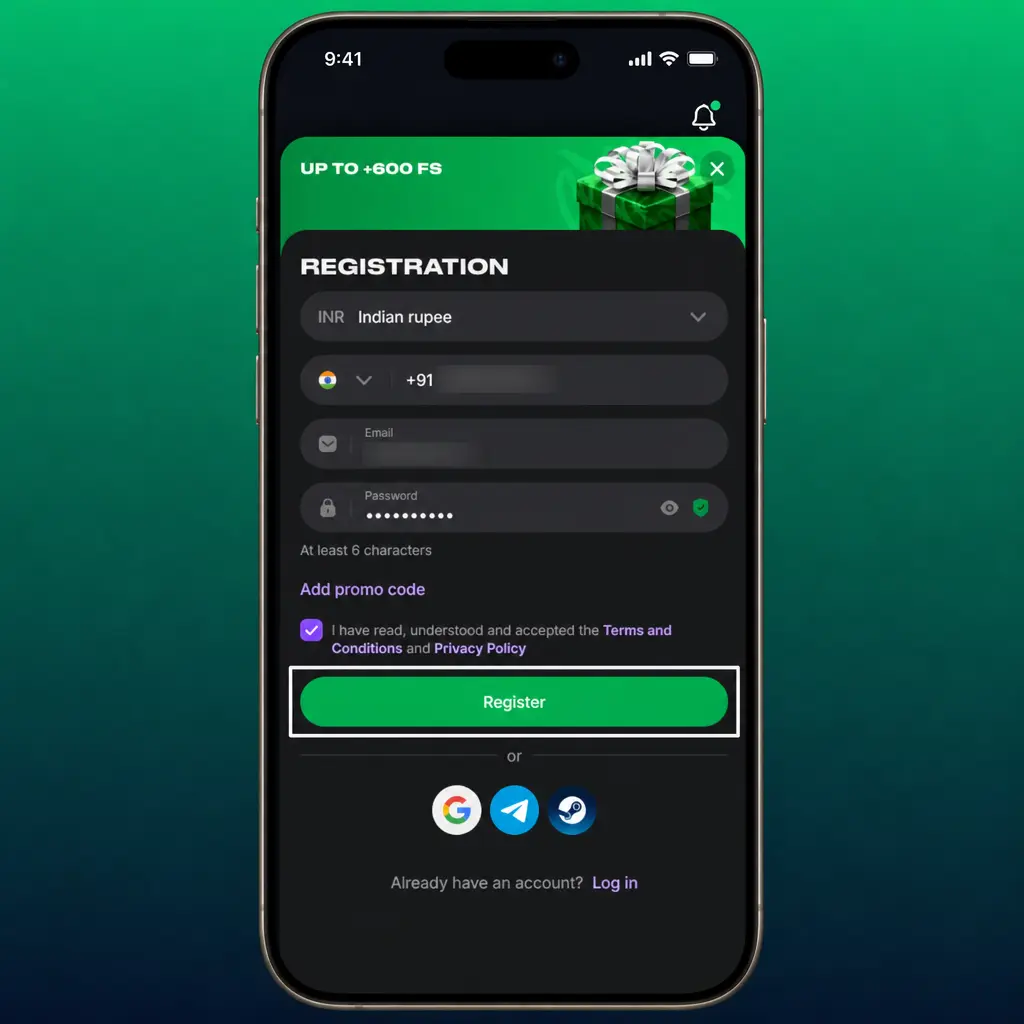
Open the Wallet section
Tap the button below and select Deposit from your account menu.
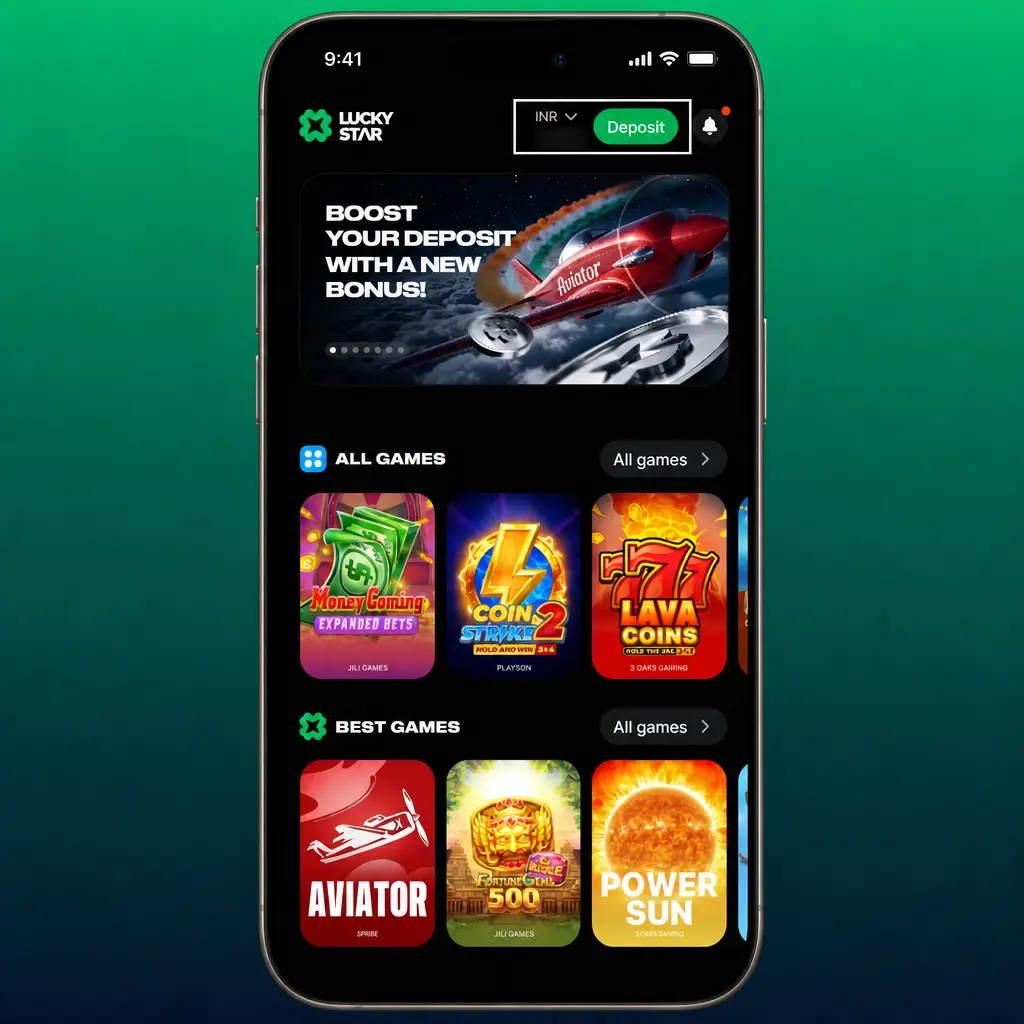
Choose a payment method
Pick UPI, PhonePe, Paytm, or Crypto from the list of available options.
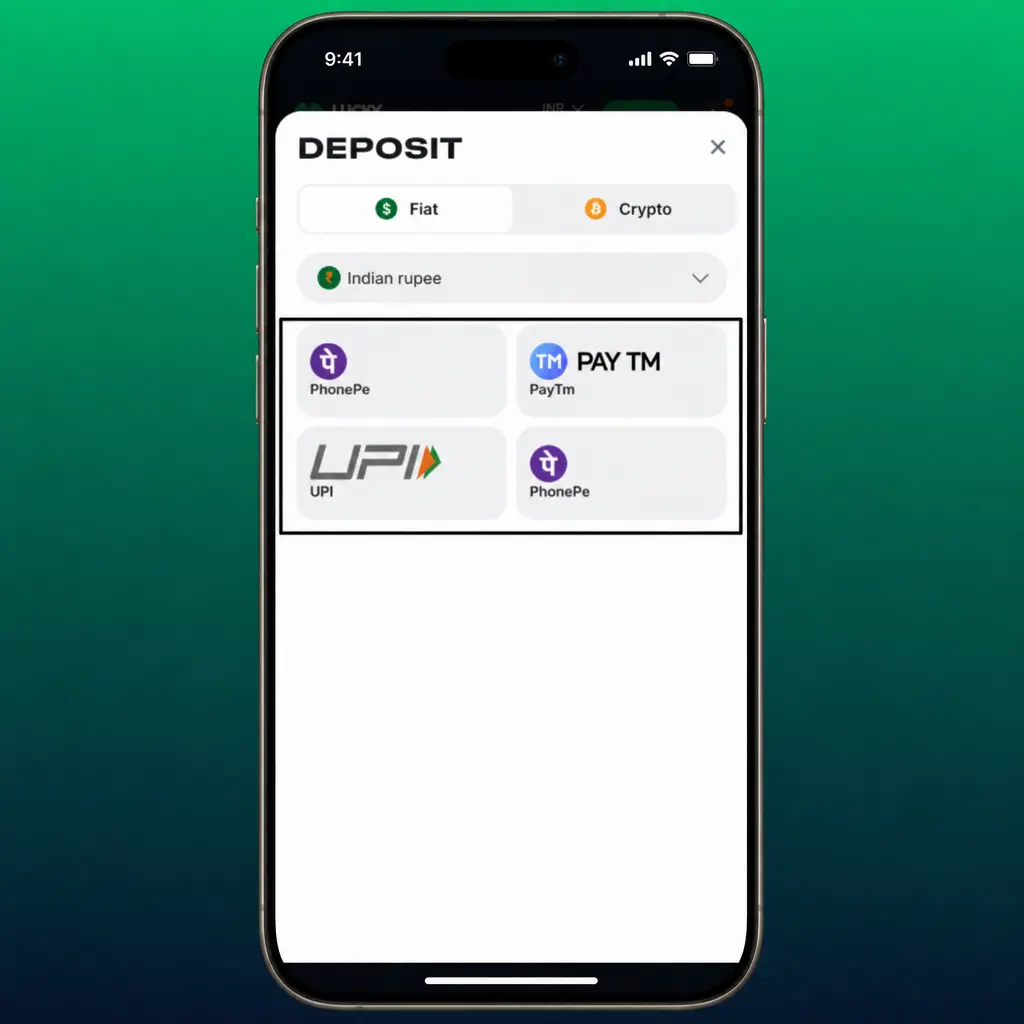
Enter the amount
Type your deposit value in INR, respecting the minimum shown for your chosen method.
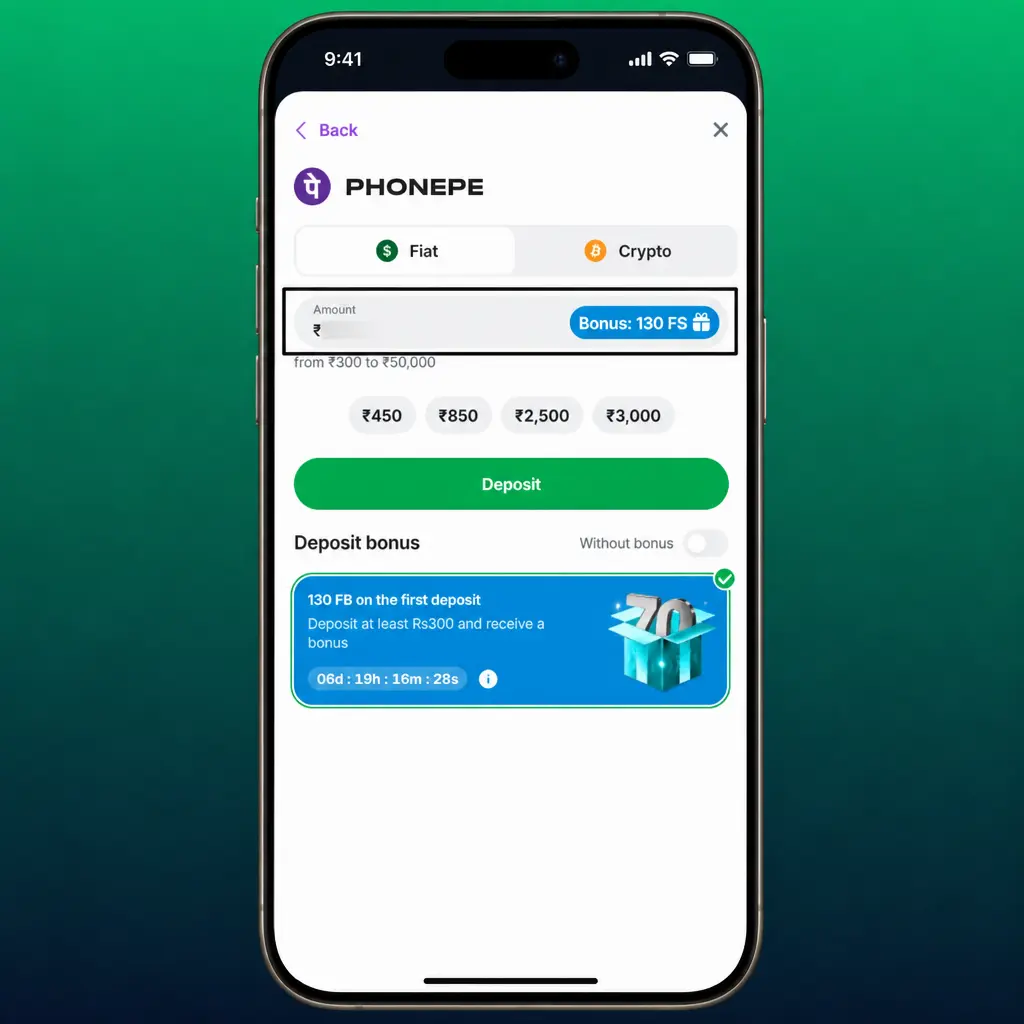
Confirm the transaction
Complete the payment through your banking app or crypto wallet.
Check your balance
Return to the app, where most deposits reflect within 15 minutes.
Withdrawing Funds From the Lucky Star App
A withdrawal request through the app follows the same logic as a deposit, in reverse.
Open the Wallet section
Tap the button below and select Withdraw from your account menu.
Choose a payment method
Select UPI, PhonePe, Paytm, or Crypto as your payout channel.
Enter the withdrawal amount
Type the value in INR, within your account balance and method limits.
Confirm your details
Verify the linked UPI ID, bank account, or wallet address shown on screen.
Submit the request
Tap Confirm and track the status under your transaction history until the payout lands.
Lucky Star App Bonuses and Promo Codes
App users reach every standard promotion, plus offers built around mobile activity. The welcome package for casino players includes 130 Free Spins on featured slot titles. Sports bettors claim a 200% match up to 50,000 INR on a first deposit, applied to pre-match and Live wagers across cricket, football, and kabaddi. Aviator players access up to 600 Free Bets alongside a cashback programme that returns a share of net losses on crash games each week.
A promo code, when issued through an email or Telegram campaign, activates inside the Promotions tab of the app. Open the app, go to Account, select Promo Code, and enter the string before your first deposit. Mobile installs sometimes trigger a short term deposit boost, announced inside the app banner during active campaigns, separate from the browser version offer.

Lucky Star Mobile Web Version
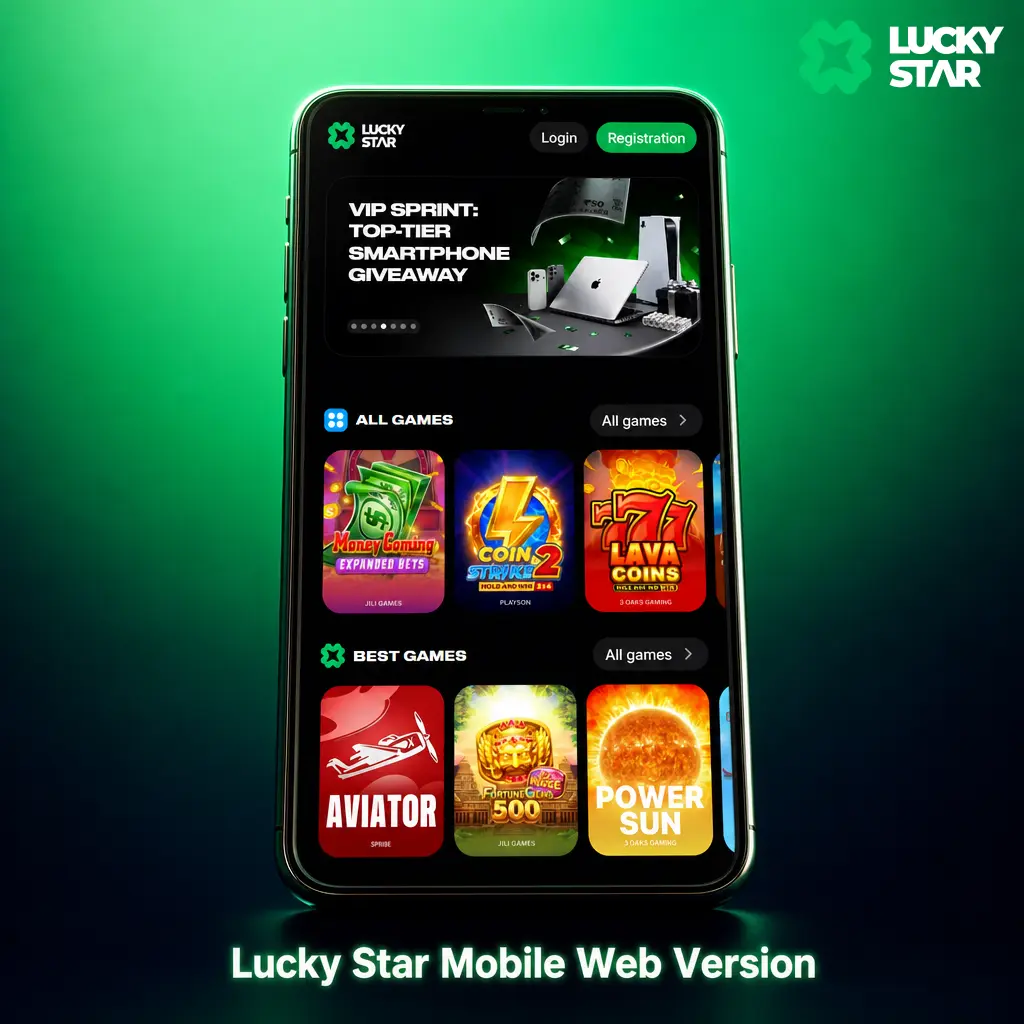
The mobile browser version suits players who prefer no download, run a less common operating system, or want to save phone storage. Open it directly through Chrome, Safari, or any mobile browser, with no app store search and no APK file required. The site adapts to any screen size, covering compact Android phones and tablets alike, while keeping every sports market, casino title, and payment method found inside the app.
Lucky Star App: Strengths and Limitations for India Players
The app delivers most of its value through speed, a full game library, and payment options built around Indian banking habits.
- Instant APK installation with no Play Store restrictions blocking access
- Full sports betting line, matching the desktop platform market for market
- Over 3,000 casino titles, including Aviator, JetX, and Live dealer tables
- UPI, PhonePe, Paytm, and Crypto deposits, most settling within 15 minutes
- Lower data use compared to the mobile site, useful on a limited data plan
- Stable performance on 3G networks in low connectivity areas
- Android installation requires enabling unknown sources in phone settings
- iOS listing availability can shift, requiring the Web App alternative at times
Lucky Star App Safety for India Players
The app encrypts every data packet through SSL and TLS protocols, protecting your login details, payment information, and personal data from interception. Account passwords are hashed, not stored in plain text. Using the official download from this page keeps your device and funds fully protected.
FAQ
Is the Lucky Star app legal for players in India?
Yes. Lucky Star operates under an offshore gaming licence, and India law does not prohibit residents from using offshore platforms for personal play.
How much storage does the app need on a phone?
The Android APK needs about 85 MB of free storage before installation, growing to roughly 150 MB after the first update.
Can one account work across the app, the Windows application, and the mobile site?
Yes. A single account syncs your balance, bonuses, and bet history across every platform version.
How long does a withdrawal take through the app?
UPI, PhonePe, and Paytm withdrawals process between 10 and 30 minutes. Crypto withdrawals complete within an hour, depending on network congestion.
What happens if the iOS app is temporarily unavailable on the App Store?
Add the Web App to your iPhone home screen through Safari. It opens like a native app, with full access to sports betting and casino games.
Updated: