
Lucky Star Registration in India
Registration takes under 3 minutes for players across Mumbai, Delhi, Bengaluru, and every other city in India. The sign-up form accepts INR as a default currency, with English and Hindi language options. You choose between email, phone number, or instant registration, and the form adapts to mobile and desktop screens alike. Once your details are confirmed, you access online casino games, cricket betting markets, and Aviator without delay.
200% up to 50,000 INR +130 Free Spins
Up to 600 Free Bets on Aviator
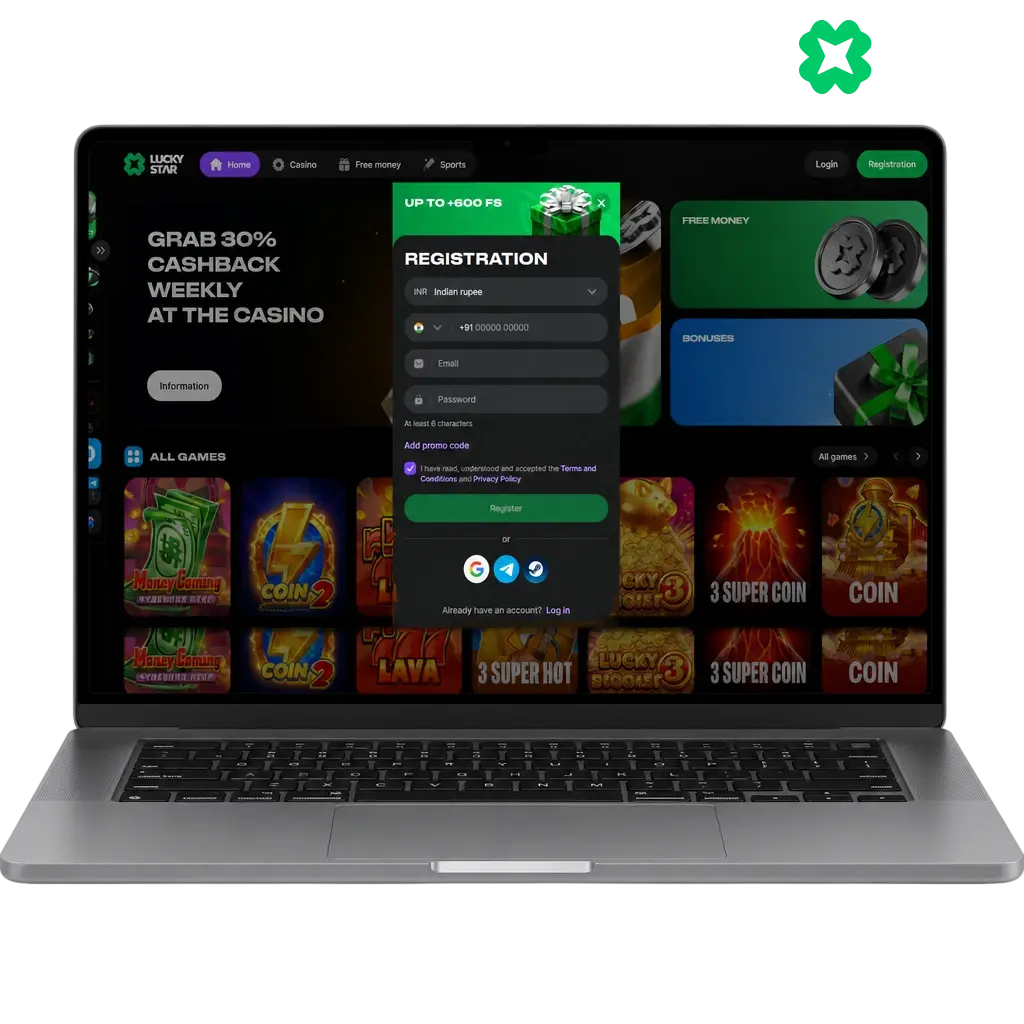
Ways to Register at Lucky Star for Players from India
Lucky Star offers four sign-up methods for players from India. You select standard registration, quick registration, social network linking, or the mobile app, based on the time you have available. Each method keeps your personal information secure while matching your preferred pace on this website.

Standard Registration at Lucky Star
Standard registration asks for your email or phone number, full name, date of birth, and address. You set a password with 8 characters minimum, mixing letters and numbers. You select INR as your account currency during sign-up. This method takes close to 3 minutes, a bit longer than quick registration, because the platform collects your profile details upfront. The extra fields reduce verification delays later and give your account maximum protection from the first login.
Quick Registration at Lucky Star
Quick registration takes under a minute. You pick INR as your currency, enter your phone number or email, and set a password. No address or date of birth field appears at this stage. You complete full profile details later, before your first withdrawal.
Registration via Social Network at Lucky Star
You register through your existing social network profile in a few taps. Tap the social icon on the sign-up form, grant access, and the system pulls your name, email, and profile photo automatically. No manual form filling applies. Set your password and currency, and your account activates within seconds.
Registration via the Lucky Star Mobile App
The app repeats every registration step from the desktop site, adapted for touchscreen taps. Download the APK file for Android, or add the app to your home screen as a Progressive Web App. The same fields appear: contact details, password, and INR currency. Registration takes under 2 minutes.
Lucky Star Sign Up Guide for Players in India
This guide walks you through the official registration form from start to finish, in the order the form expects. These steps reduce errors during verification and keep your account balance protected once you deposit. Each step takes seconds, and the entire process finishes within 3 minutes when you have your phone number or email ready.

Sign Up in 5 Steps
Registration follows 5 steps from the moment you land on this page. Complete each one in order for a fast setup.
Click the “Register Now” Button
Click the “Register Now” button below to open the sign-up form on this page.
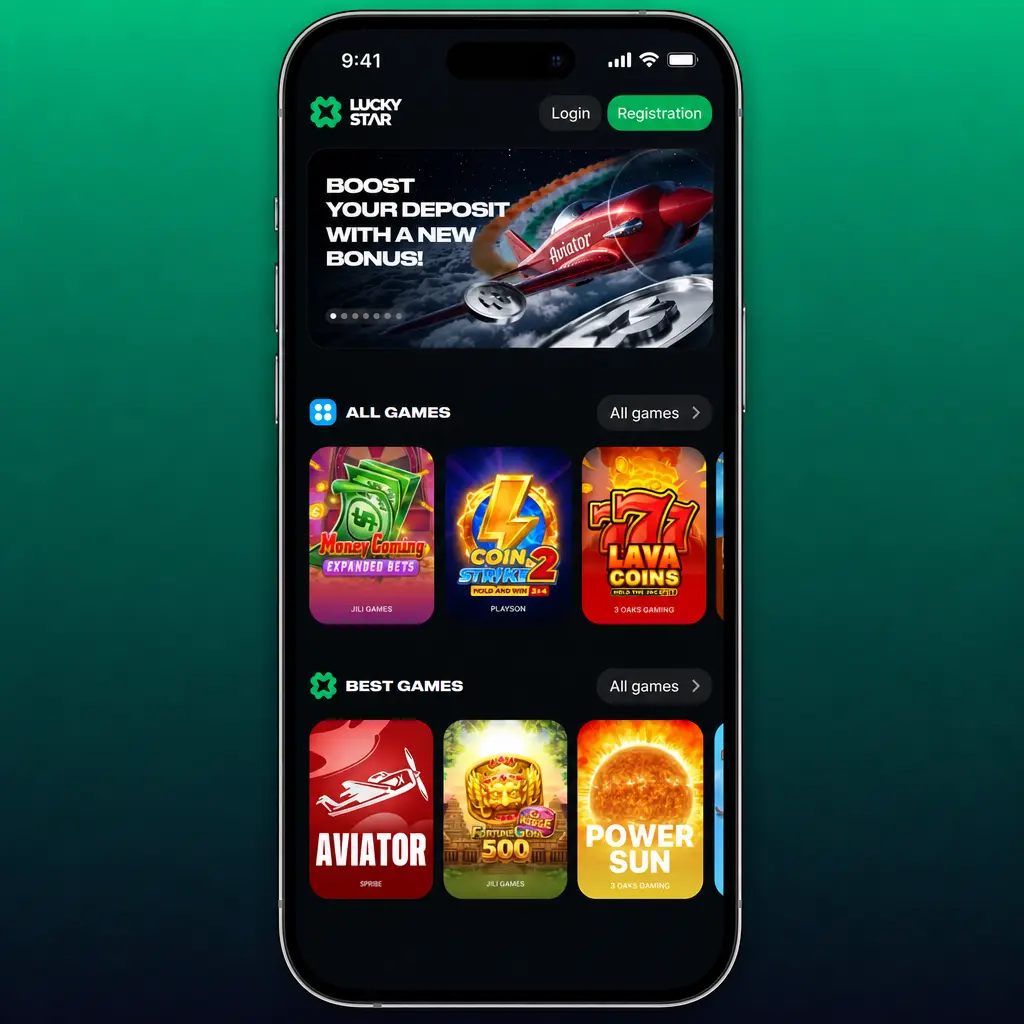
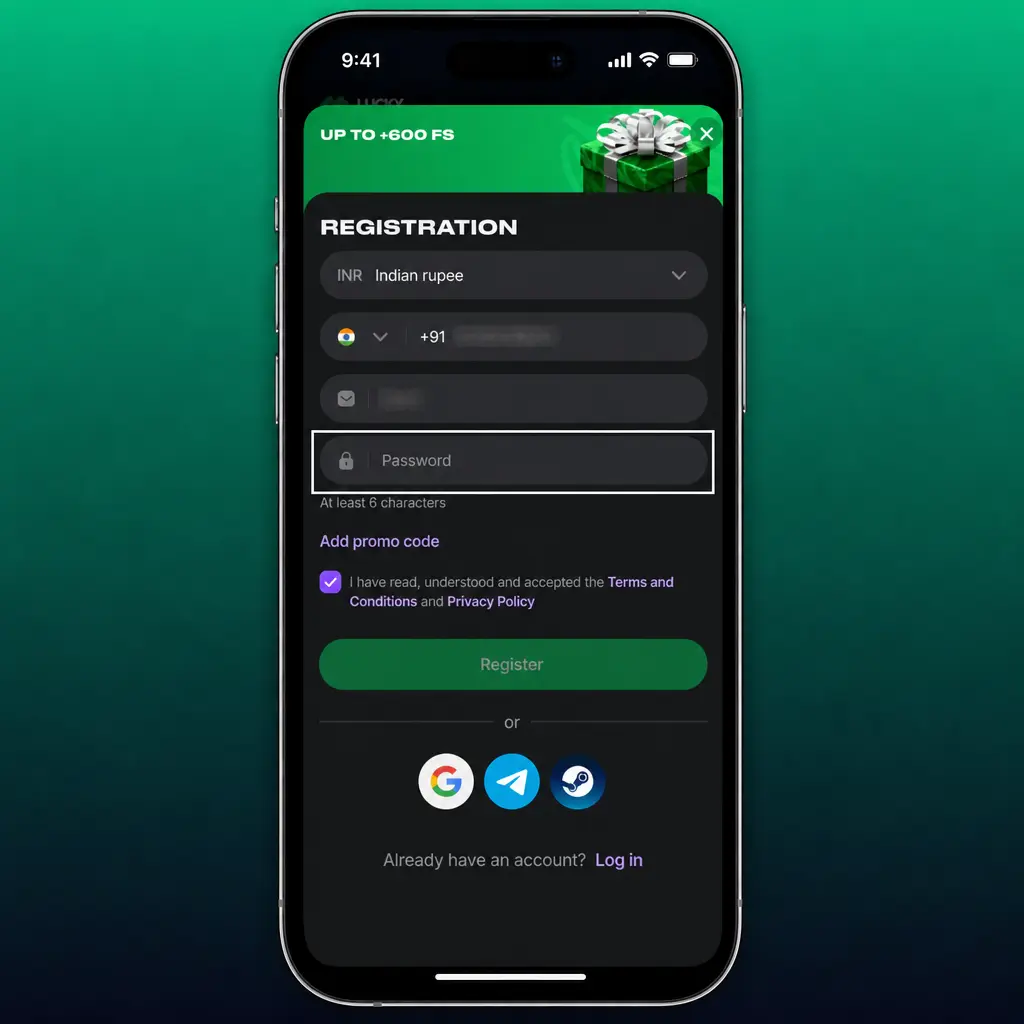
Select India and INR
Select your country as India and choose INR as your account currency.
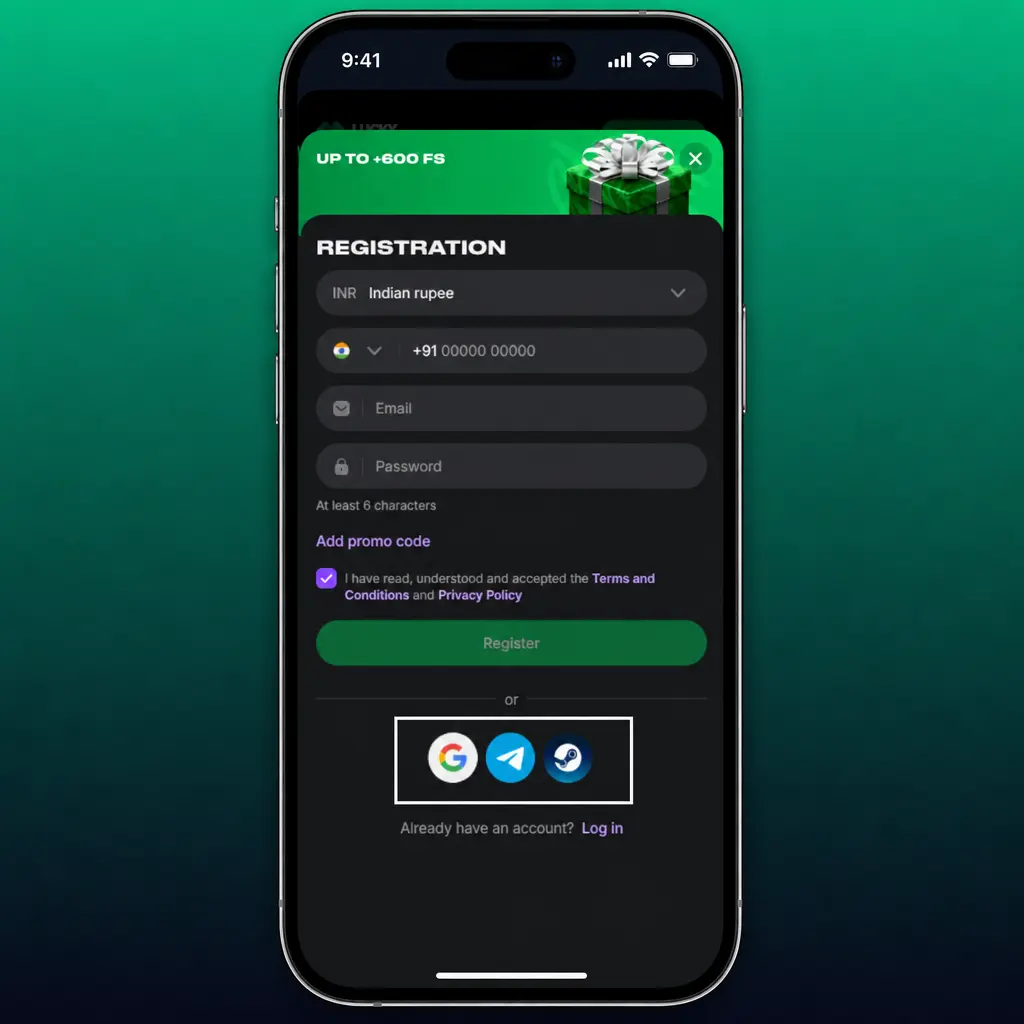
Enter Contact Details and Password
Enter your phone number or email address, then create a password with 8 characters minimum.
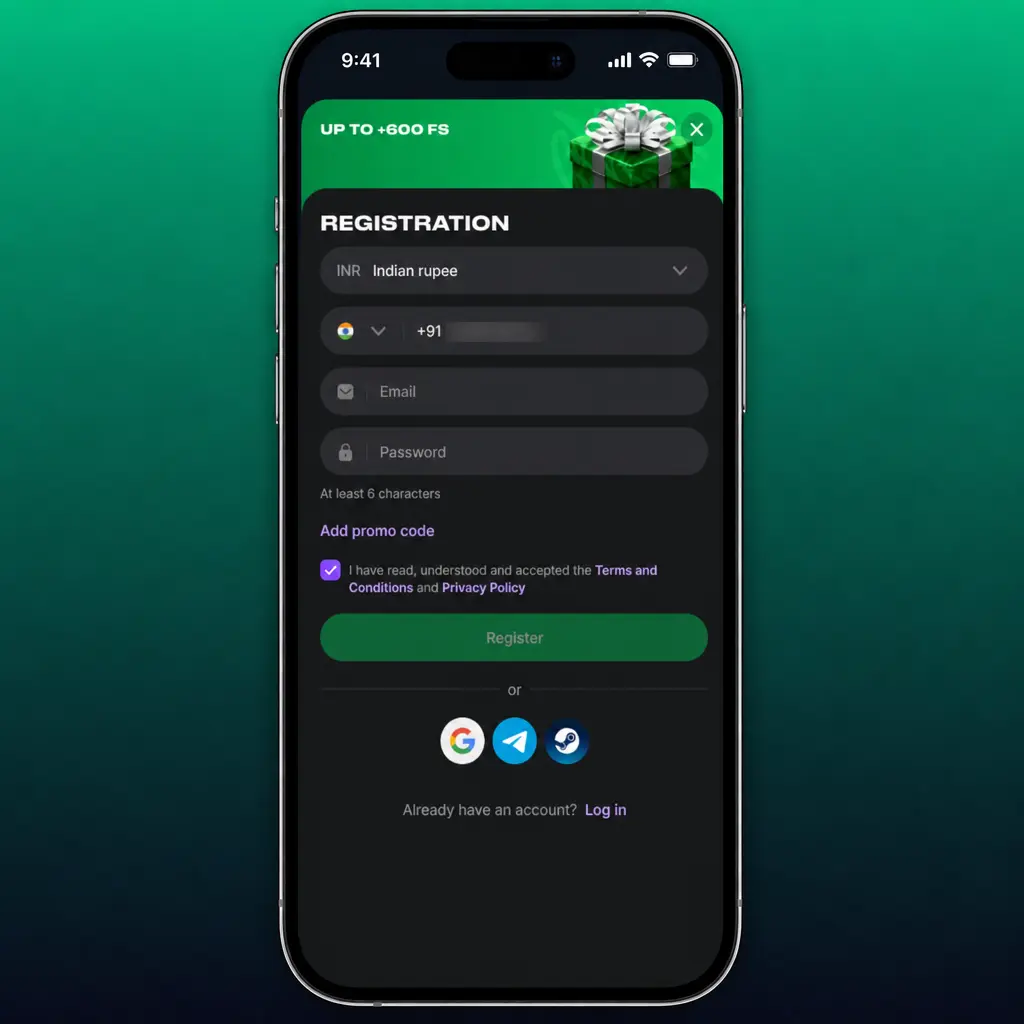
Accept Terms and Confirm Age
Accept the terms and conditions, and confirm you are 18 years or older.
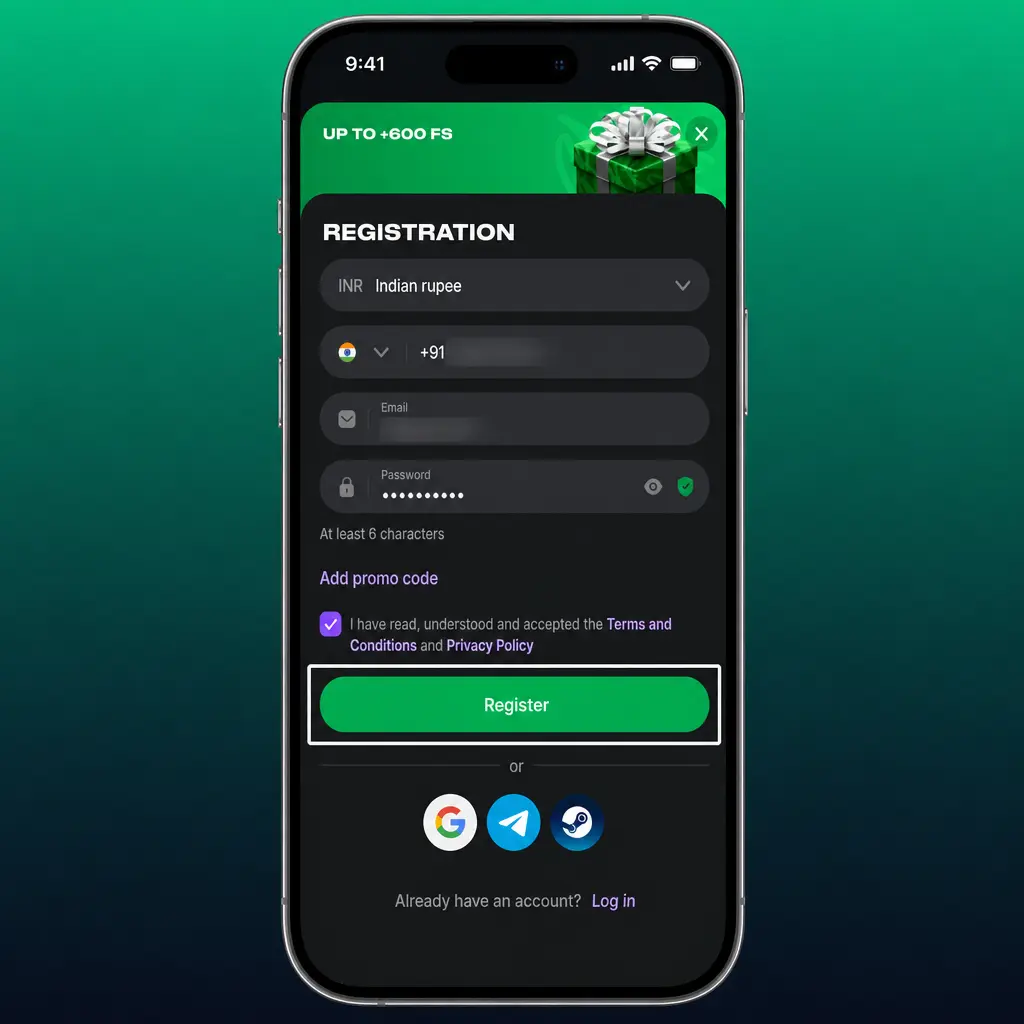
Submit and Verify
Submit the form, then check your phone or inbox for the confirmation code.
Common Registration Mistakes and How to Avoid Them
Players from India often make 4 errors during sign-up. Typos in your name or date of birth delay verification, since these fields must match your ID documents. Selecting the wrong currency locks your account into a different currency until support intervenes. A second account under the same ID counts as multi-accounting and triggers a permanent ban. Using a contact number or card registered to another person voids your bonus and blocks withdrawals.
Account Verification at Lucky Star
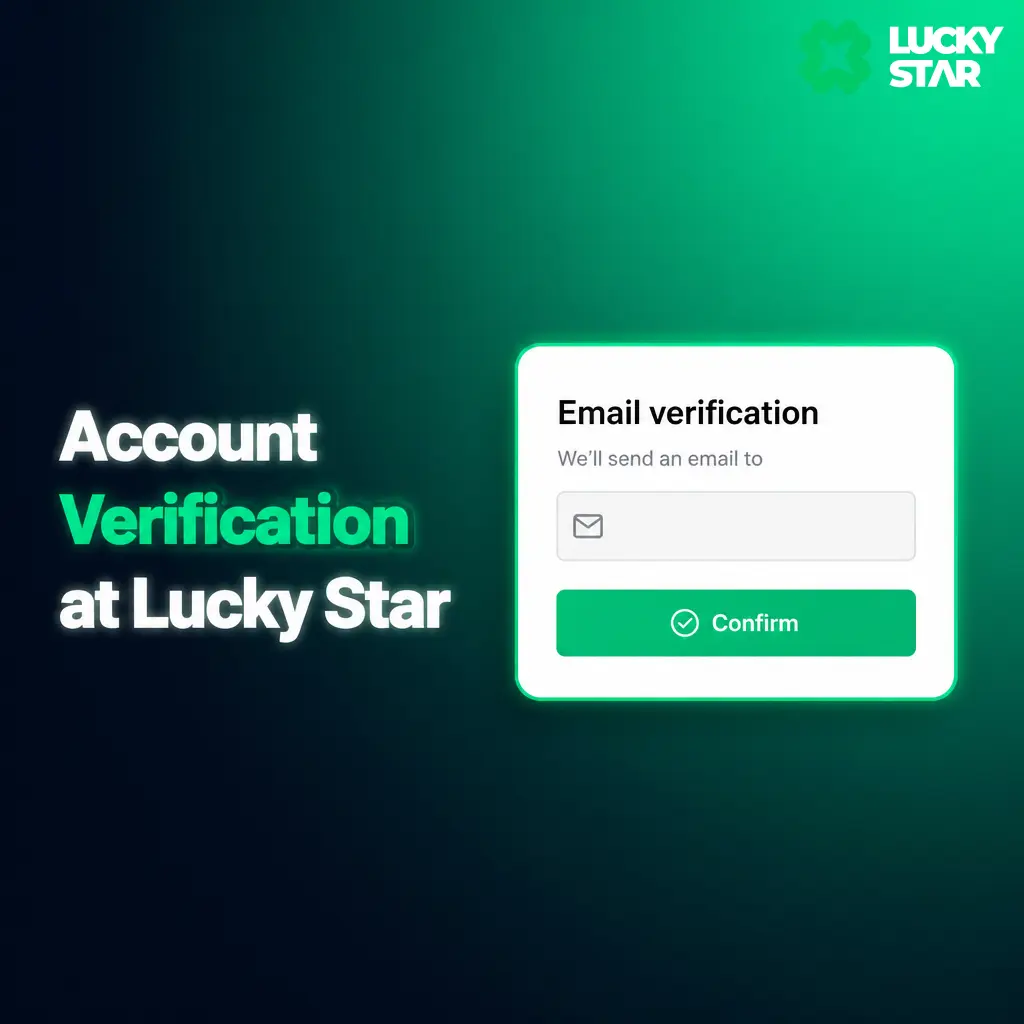
Lucky Star verifies every account before the first withdrawal, in line with its gaming license and fraud prevention policy. KYC confirms your identity, blocks underage access, and protects your deposit from unauthorized use. You submit 2 documents: a government ID (Aadhaar card, PAN card, or passport) and proof of address (a recent utility bill or bank statement). Upload both through your account dashboard, under the “Verification” tab. The support team reviews submissions within 24 hours for most players. Approved accounts receive full withdrawal limits and faster payout processing.
Bonuses Available After Lucky Star Registration
New players from India receive a welcome package with 3 parts after registration. The casino side includes 130 Free Spins on featured slot titles, credited after your first deposit. Sports bettors get a 200% match up to 50,000 INR on their initial deposit, useable across cricket, football, and tennis events. Aviator fans receive up to 600 Free Bets, split across multiple deposits during the first week. Each bonus carries its own wagering requirement, listed in the promotions terms before you claim it. Complete registration and your first deposit to activate the package you want.

How to Use a Promo Code When You Register at Lucky Star
Enter your promo code in the dedicated field on the registration form, located below the password field. The code applies an extra bonus boost to your welcome package, such as added free spins or a higher match percentage. Check the current promotions page for active codes before you register.
Requirements and Restrictions for Players from India
Lucky Star accepts players from India who reached 18 years of age, the minimum age under the platform’s gaming license. You confirm your date of birth during registration, checked against your submitted ID. One account per person and per household applies across the platform.
Lucky Star Registration Terms and Conditions
Your account agreement rests on one rule: one player, one account. Each registration ties to a single person, a single ID document, and a single payment method. Submitting false personal details, using a payment method registered to someone else, or opening a duplicate account breaches these terms. Any of these actions results in permanent account suspension and forfeiture of your balance and winnings. Read the full terms page before you confirm registration.

Login to Your Lucky Star Account
Login takes seconds once your account exists. The login form sits at the top of this page, on both desktop and mobile screens. Enter your registered phone number or email, plus your password, to access your user dashboard, deposits, and bonuses.
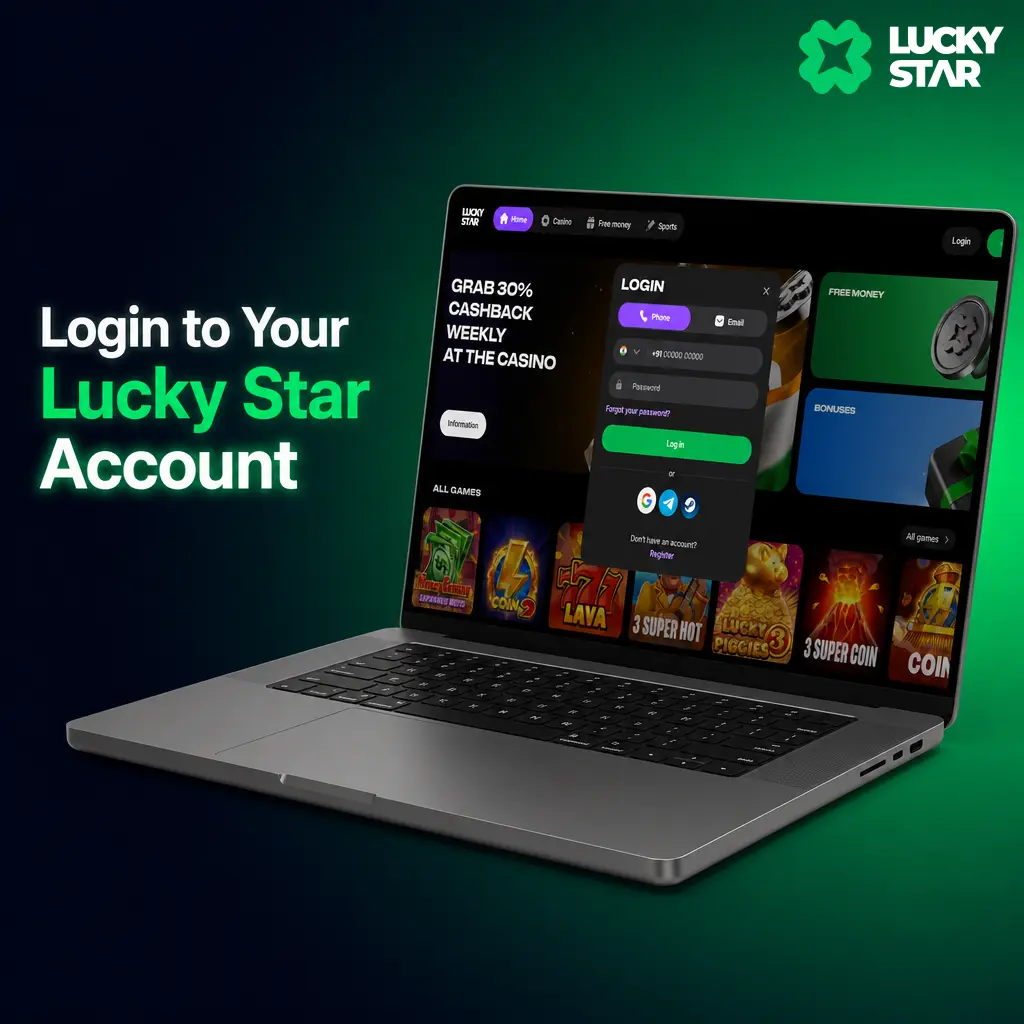
Steps to Log In to Your Account
Complete these 5 steps to access your account from any device.
Click “Log In Now”
Click the “Log In Now” button below to open the login window on this page.

Enter Your Phone Number or Email
Enter your registered phone number or email address in the first field.
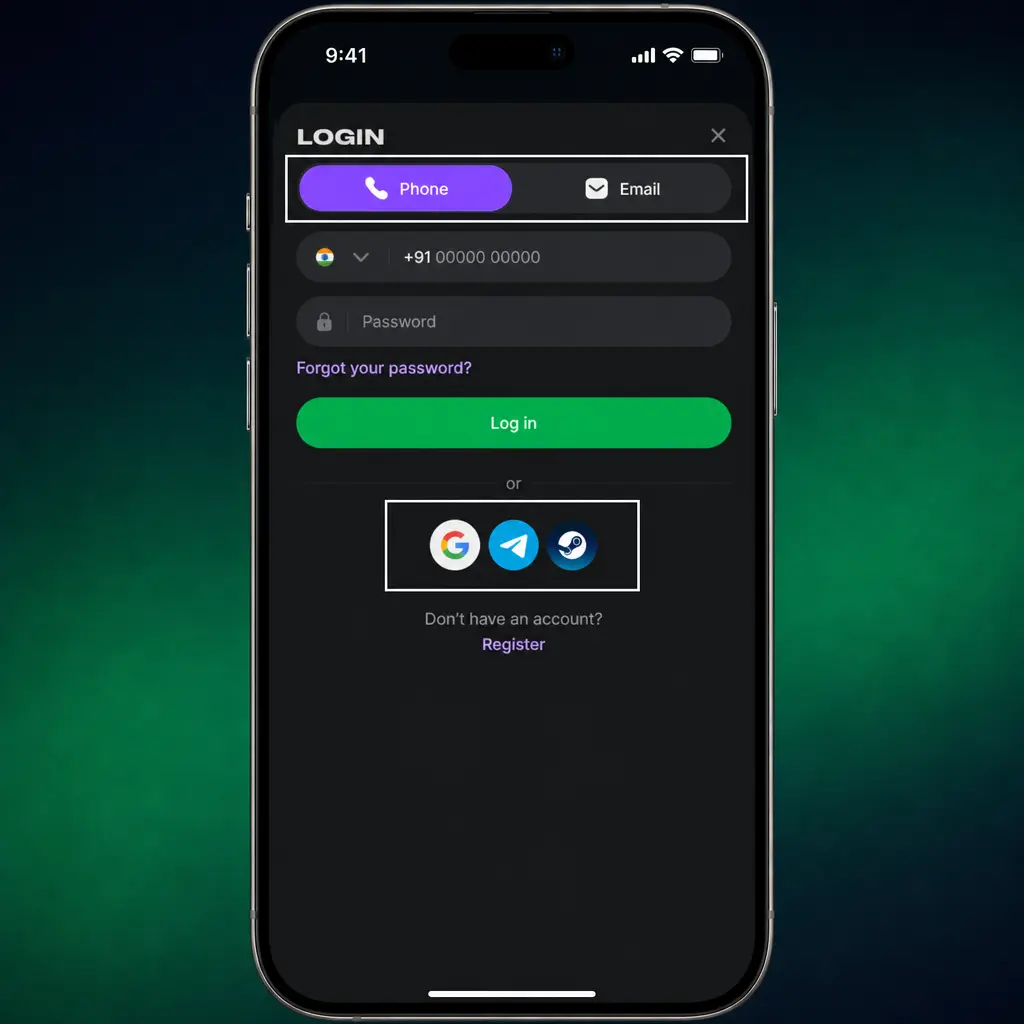
Type Your Password
Type your password in the second field.
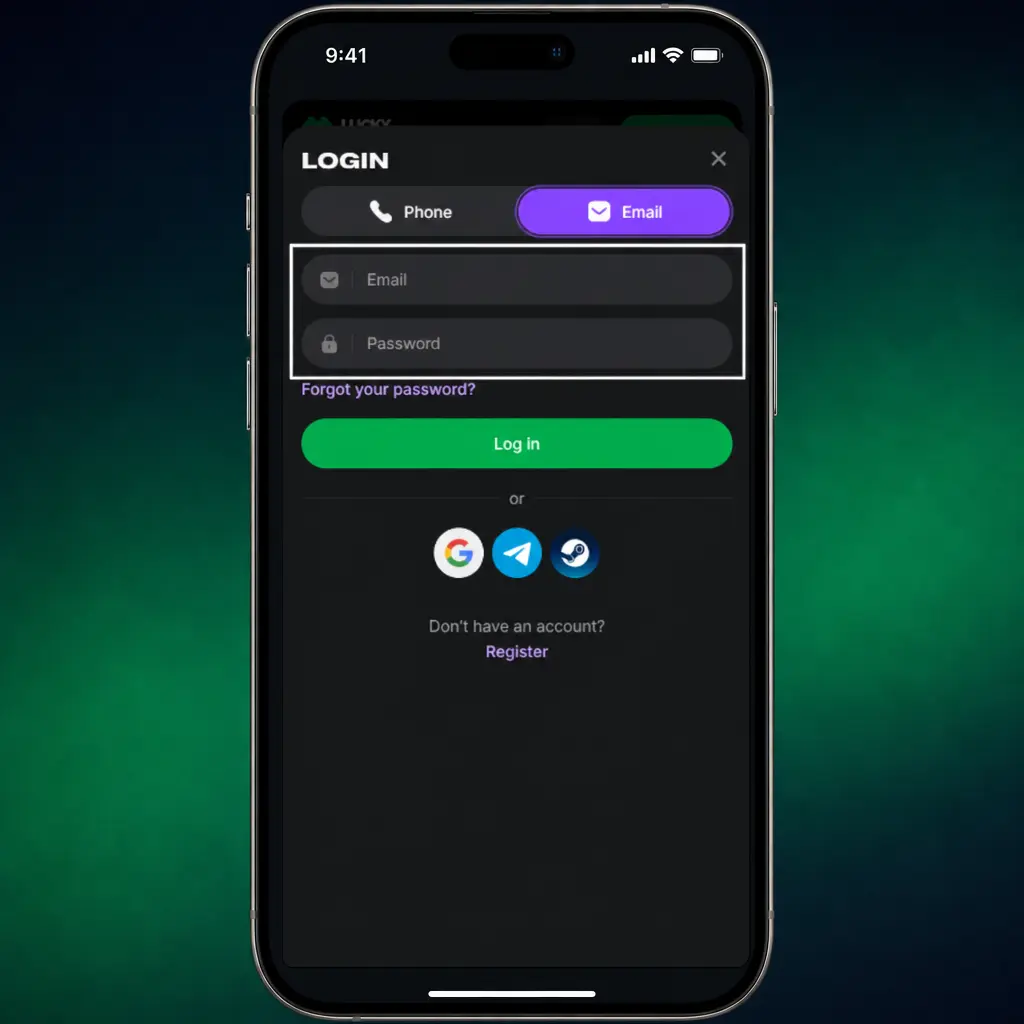
Enable Remember Me
Tick “Remember Me” to save this step for your next visit, but avoid it on shared or public devices for security reasons.
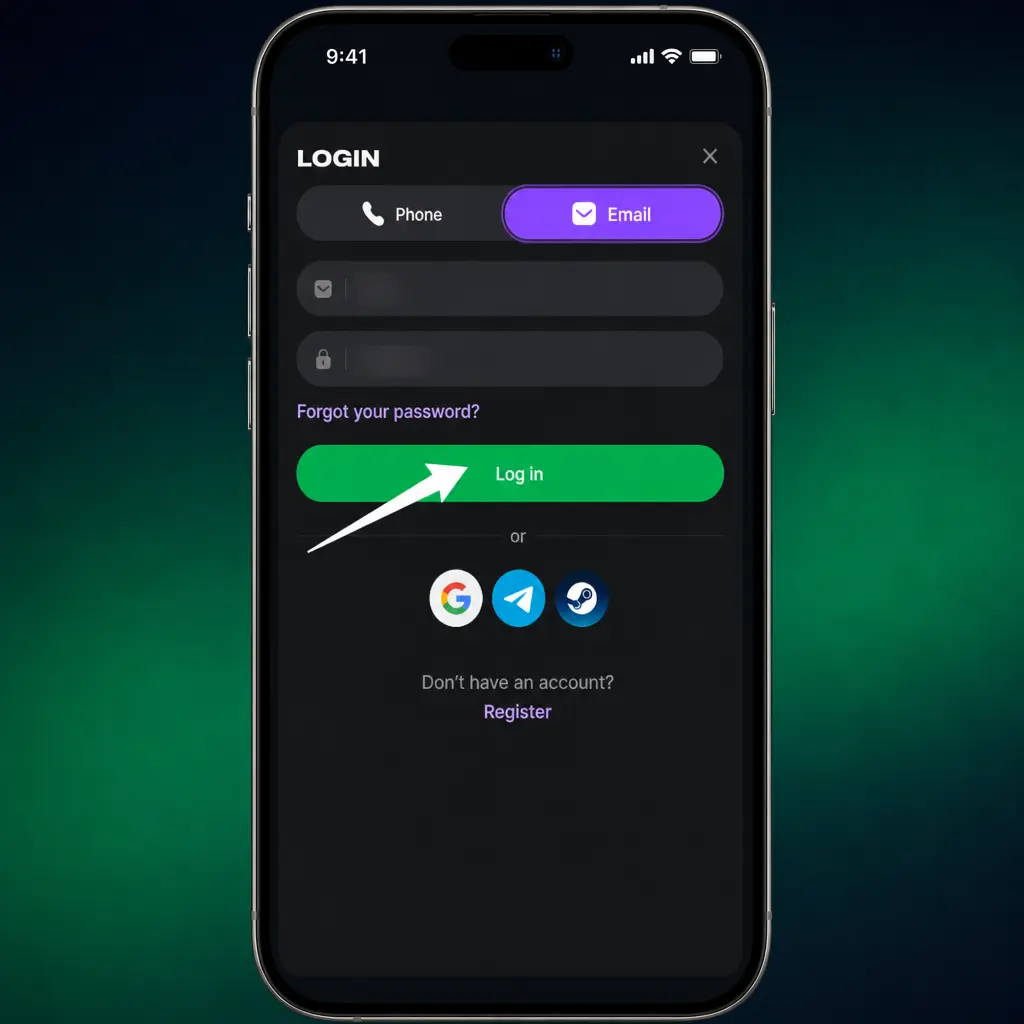
Click “Log In”
Click “Log In” to reach your user dashboard.
Password Recovery for Your Lucky Star Account
Password recovery takes under 2 minutes, without a support ticket in most cases.
Contact customer support through live chat if these steps do not resolve the issue.
Click “Forgot Password?”
Click “Forgot Password?” on the login form, found below the password field.
Select Recovery Method
Select your recovery method: SMS to your registered phone number or a reset link to your email.
Enter Confirmation Code
Enter the confirmation code with 6 digits, sent to your chosen channel within 2 minutes.
Create New Password
Create a new password with 8 characters minimum, then log in with your updated credentials.
How to Delete Your Lucky Star Account
Lucky Star does not offer full account deletion, as part of a responsible gambling and fraud prevention policy that prevents bonus abuse. You use the self-exclusion feature instead, available in your account settings or by request to customer service. Self-exclusion blocks your login access for a period you choose, from 24 hours up to a permanent block. Submit your request through live chat or email, and the team confirms activation within 24 hours.

FAQ
How long does registration take at Lucky Star in India?
Quick registration takes under a minute. Standard registration with full profile details takes close to 3 minutes.
What documents does Lucky Star require for verification?
You submit a government ID, such as your Aadhaar card, PAN card, or passport, plus proof of address, such as a bank statement or utility bill dated within the last 3 months.
Can you register with a PhonePe or Paytm account?
You register with your phone number or email first, then link PhonePe, Paytm, UPI, or Google Pay as a deposit method afterward, in the “Cashier” section of your account.
What happens if you enter the wrong date of birth during registration?
Contact customer support through live chat with your correct details and ID document attached. Support corrects the data before your verification review, provided the submitted ID confirms your identity.
Can you hold 2 accounts for separate bonuses?
No. The platform permits one account per person, per ID document, and per payment method. A second account counts as multi-accounting and leads to suspension.
Updated: