
Lucky Star Login India: Access Your Account in Seconds
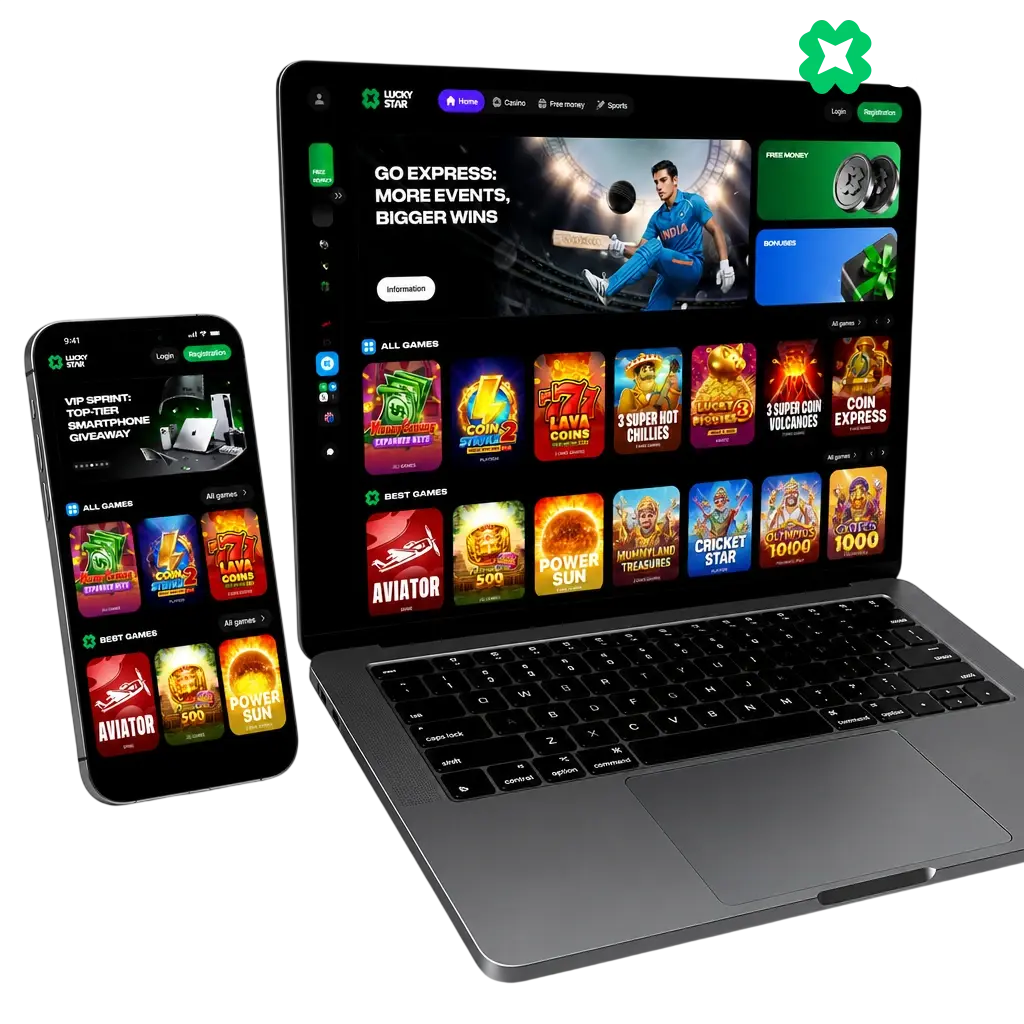
Your Lucky Star login takes under 30 seconds on any device. Enter the phone number or email address used at registration, add your password, and tap sign in. The same account syncs across the Android app, the PWA, and your desktop browser, so your balance and bonus progress stay in one place. No separate registration is needed once your account is set up.
Lucky Star Sign In: Core Login Rules
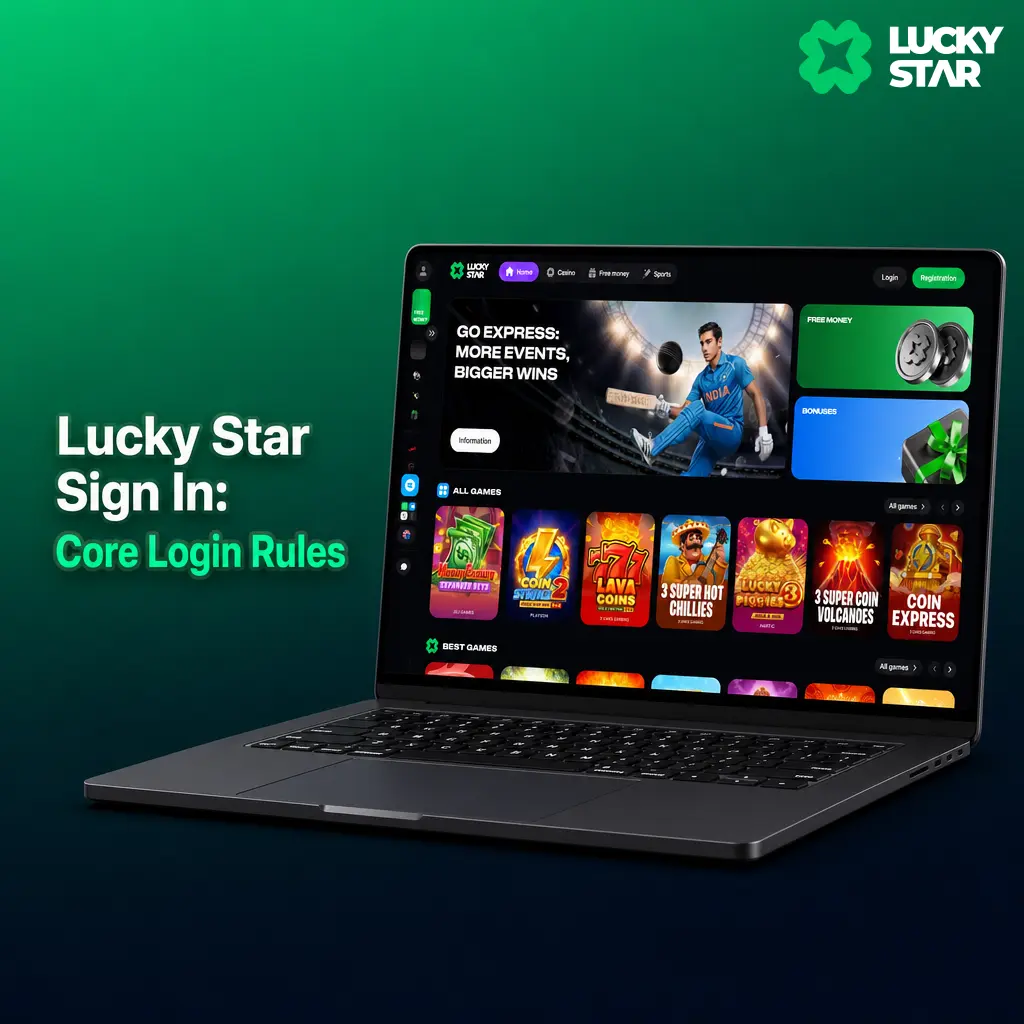
Lucky Star login works around the clock from any location in India. The platform uses encrypted sessions, so your password and personal details stay protected during every sign in. Always use the exact phone number, email address, or social network account entered at registration. Mixing credentials, such as signing in with a different email than the one on file, triggers an account not found error.
Step-by-Step Guide to the Lucky Star Login Process
Four steps complete your sign in from this page.
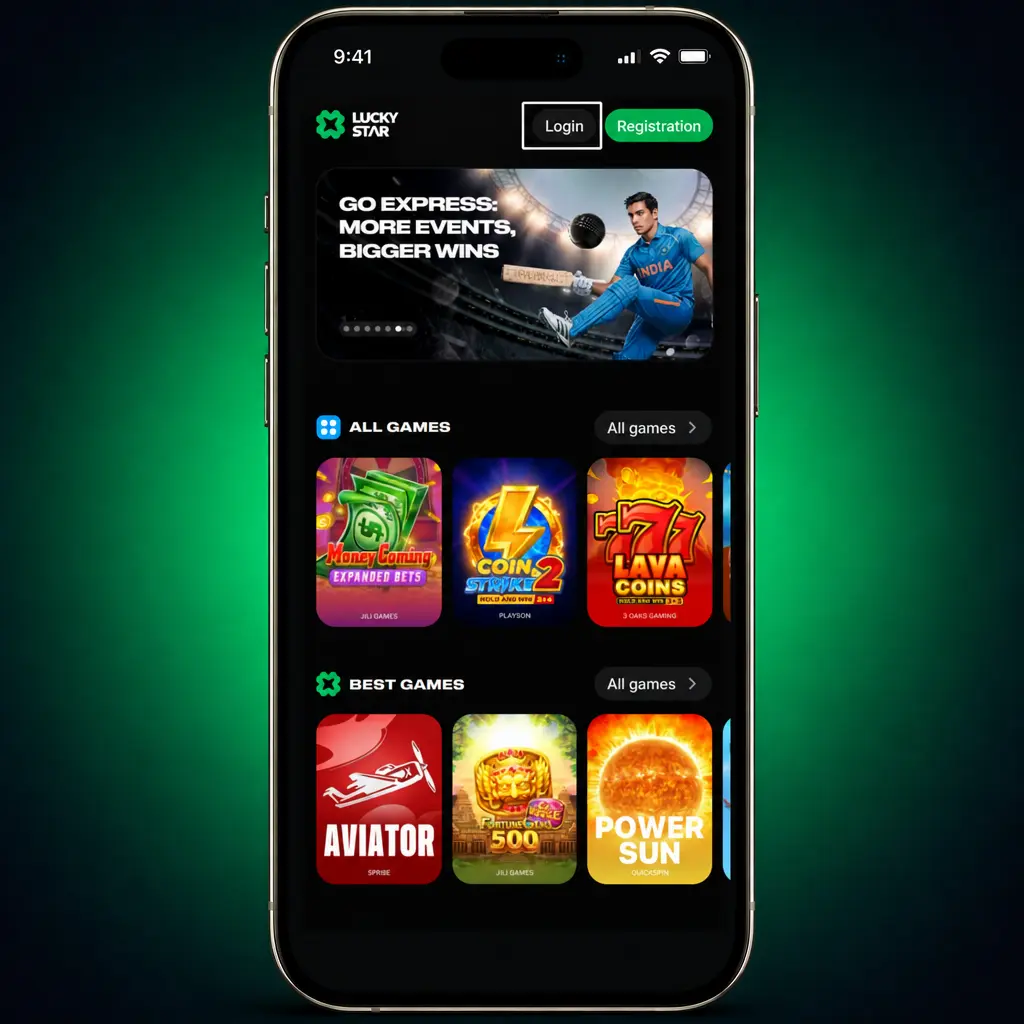
Open the login panel
Click the Sign In button below to load the login form.
Enter your credentials
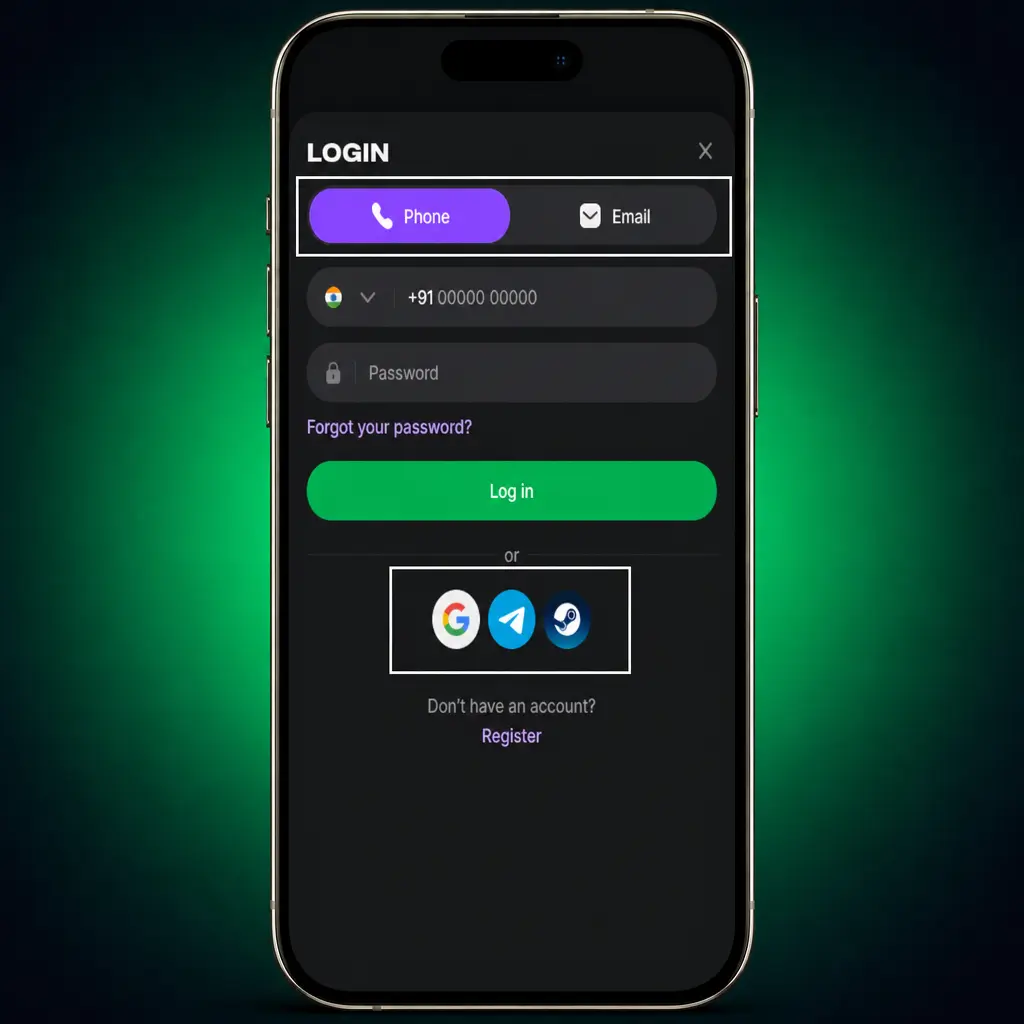
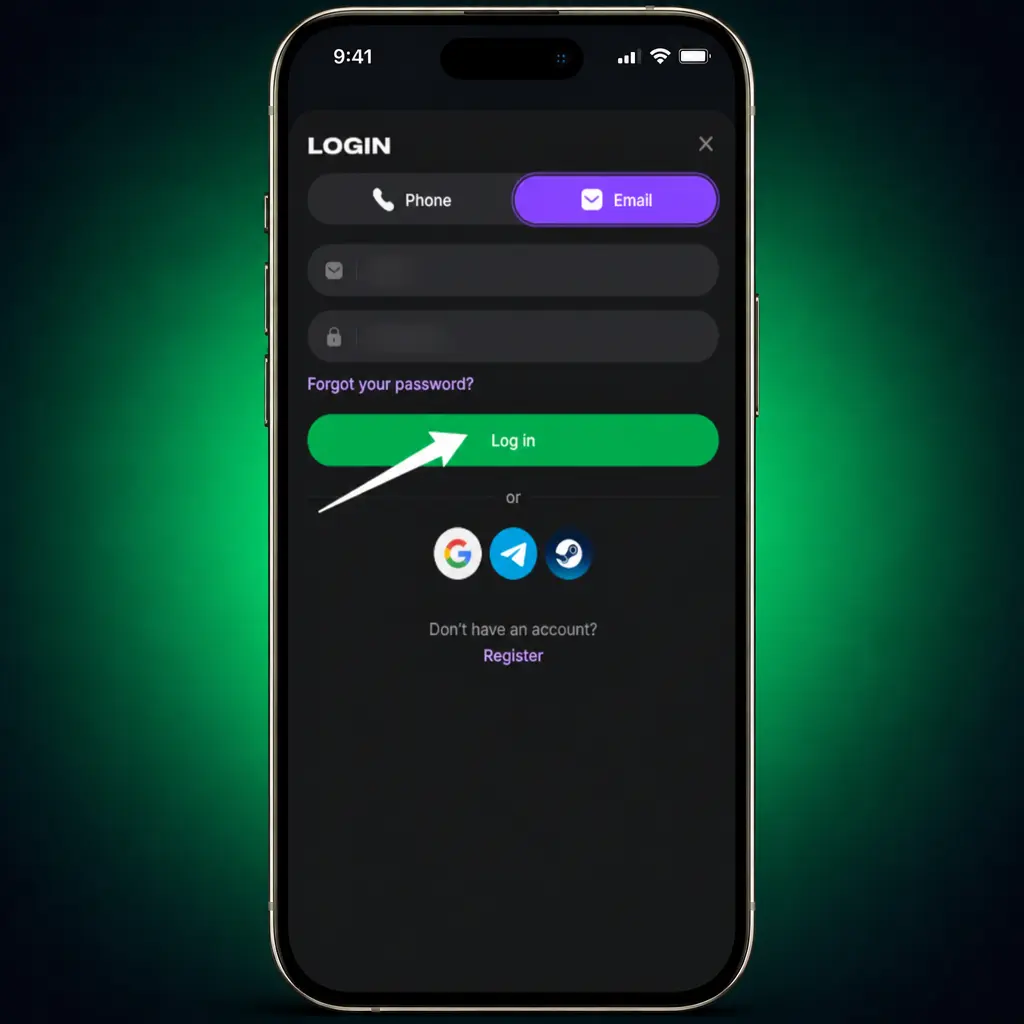
Type the phone number or email address used during registration, followed by your password.
Confirm with OTP, if enabled
Enter the 6-digit one-time code sent via SMS when two-factor authentication is active.
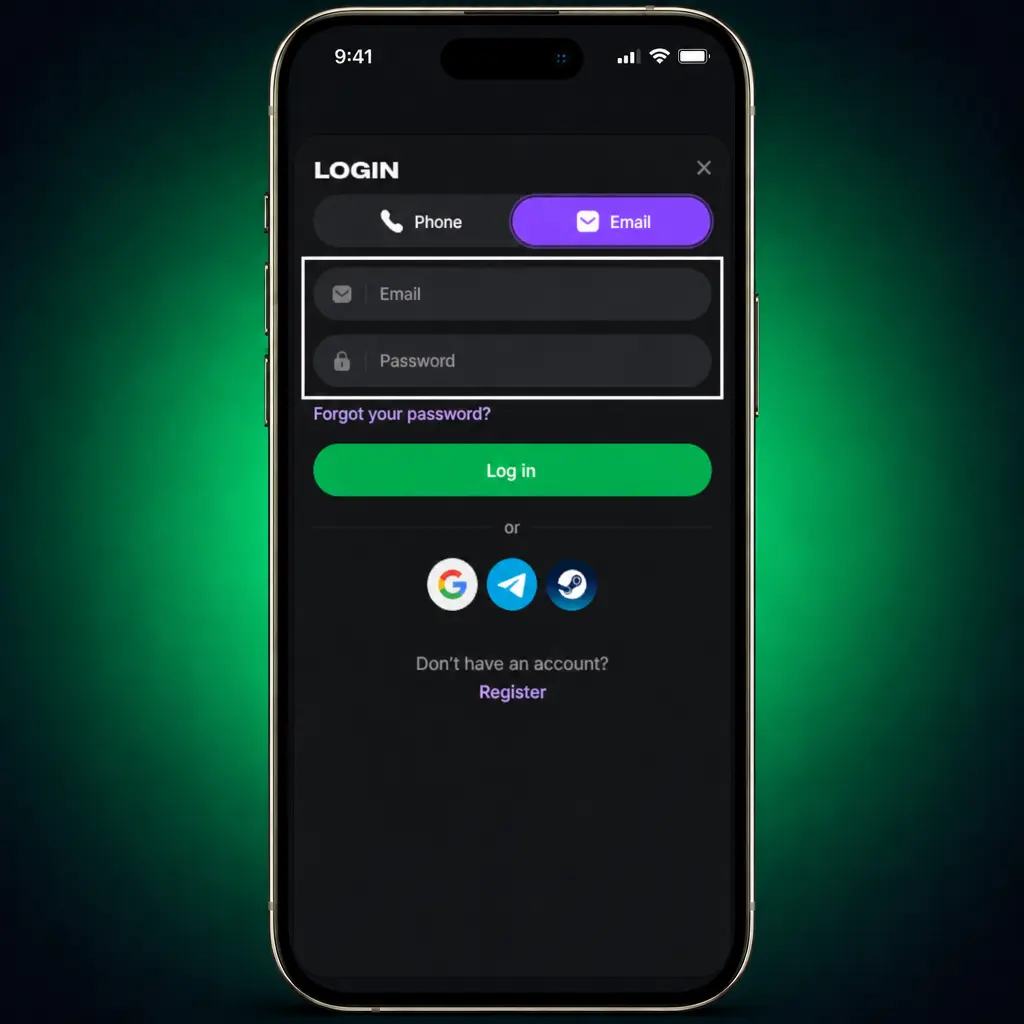
Access your dashboard
Submit the form to land on your account page, with your balance and bonus status visible.
Lucky Star Login via Social Network Accounts
If you created your account through Google or Telegram, the password field is not required. Tap the matching icon on the login screen, placed below the standard sign in form. The platform verifies your social network session and opens your dashboard in about 2 seconds. This method only works if you are already signed in to that social account on the current device. Switching phones or clearing your browser cache may require a manual login to that social service first.
Lucky Star India Login: Password and Account Recovery
Forgetting a password is common among players managing multiple gaming accounts. Lucky Star’s recovery tools restore access within minutes, without a need to contact support in most cases. A new registration is never the solution, since duplicate accounts violate platform rules and can freeze your existing balance and bonus funds. Use the built-in reset option instead, and keep your original account active.
Steps to Recover a Forgotten Lucky Star Password
Creating a second profile after losing your password counts as multi-accounting under Lucky Star’s terms, and both accounts face suspension. Use the official recovery path instead.
- Click Forgot Password on the login screen to start the reset.
- Choose a reset method: SMS to your registered phone number or a link to your email address.
- Enter the 6-digit verification code received within 60 seconds.
- Set a new password with at least 8 characters, one number, and one symbol, then sign in.
Password Reset Email Not Received: Quick Fixes
Check your Spam or Junk folder, since filters sometimes misroute automated mail. Confirm your email address matches your registration details, without typos or extra spaces. Wait 5 minutes before requesting another email, since resending too quickly can delay delivery. If nothing arrives, switch to phone number reset or contact support chat on this site.
Account Not Found During Recovery: Common Causes
An extra space, a swapped letter, or the wrong email domain usually causes this account not found message. Entering a phone number or address that differs from your registration details also triggers it. In rare cases, the administration may have suspended or removed the account for a policy violation. Contact support chat to confirm your account status.
Common Lucky Star Login Issues and Fixes
A few recurring issues explain most Lucky Star sign in problems. Check the table below against your situation before contacting support.
| Issue | Description | Recommended Action |
|---|---|---|
| Incorrect password | The password entered does not match the one on file. | Use the Forgot Password link to reset it in under 5 minutes. |
| Account under review | KYC verification is incomplete, or documents are pending review. | Upload your PAN card or Aadhaar through Account Settings and wait up to 24 hours. |
| Account blocked | Repeated failed login attempts or a security flag paused access. | Contact support chat to confirm your identity and restore access. |
| Scheduled maintenance | The platform runs routine updates, usually between 2 AM and 4 AM IST. | Wait for the maintenance window to close, then retry your login. |
| Browser cache issue | Outdated cache or cookies block the login form from loading. | Clear your browser cache, or switch to the Lucky Star Android app. |
Lucky Star Website Unavailable: What to Do
Internet providers in India sometimes restrict access to gambling domains, which blocks the main website without affecting your account. Mirror sites solve this: they are exact copies of the platform, connected to the same database, so your balance, bonus progress, and betting history stay intact. Bookmark an active mirror link only from Lucky Star’s official Telegram channel or verified social network pages. Avoid links shared in random forums or chat groups, since those can lead to phishing pages.

Using a VPN for Lucky Star Login
A VPN can route around restrictions imposed by local providers, but free services that rotate your IP address across multiple countries raise flags within Lucky Star’s security systems. Frequent location changes during one session can pause your account for manual review. A mirror link or the PWA app avoids this risk completely, since both connect directly without altering your IP address. If you prefer a VPN, pick one stable server location rather than switching countries, and avoid regions restricted by the platform’s compliance policy.
Protecting Your Lucky Star Account from Unauthorized Access
Account security starts with your own habits, alongside the protections Lucky Star builds into the platform. Create a password with at least 8 characters, mixing numbers, symbols, and letters, instead of reusing one from another website. Never share your login credentials with friends or family, even for placing a single bet on an IPL match. Update your password every 3 to 6 months to limit exposure if an old password leaks elsewhere online.
Setting Up Two-Factor Authentication (2FA)
Two-factor authentication adds a second checkpoint beyond your password, blocking most unauthorized login attempts even if your password leaks.
Open Security Settings
Click the button below, sign in, then go to Account Settings.
Select Two-Factor Authentication
Choose SMS or an authenticator app as your verification method.
Link Your Phone Number
Enter your registered mobile number to receive a 6-digit code.
Confirm the Code
Type the code within 60 seconds to activate 2FA on your account.
Save Backup Codes
Store the 10 backup codes provided, for use if you lose phone access.
How long does Lucky Star login verification take on a new device?
A new device triggers an extra OTP check, sent to your registered phone number. Enter the 6-digit code within 60 seconds, and your session loads right after confirmation.
Can I stay logged in to Lucky Star on my phone?
Toggle Remember Me on the login screen before signing in. Your session stays active on that device until you log out manually or clear app data.
Is my Lucky Star login the same for casino and sports betting?
Yes, one account covers both sections. Switch between slots, Teen Patti tables, and IPL betting markets from the same dashboard after one sign in.
What happens if I enter my password incorrectly 5 times?
The system locks your account for 15 minutes as a security measure. Wait out the lock, or use the Forgot Password link to reset immediately.
Can I log in to Lucky Star from more than one device at once?
Yes, up to 3 active sessions are allowed per account across mobile and desktop. A fourth login attempt signs out the oldest session automatically.
Updated: