
Lucky Star Verification Instructions
Verification gives you full access to withdrawals and bonuses on Lucky Star. Follow this guide to complete the process directly on this official website in 5 steps.
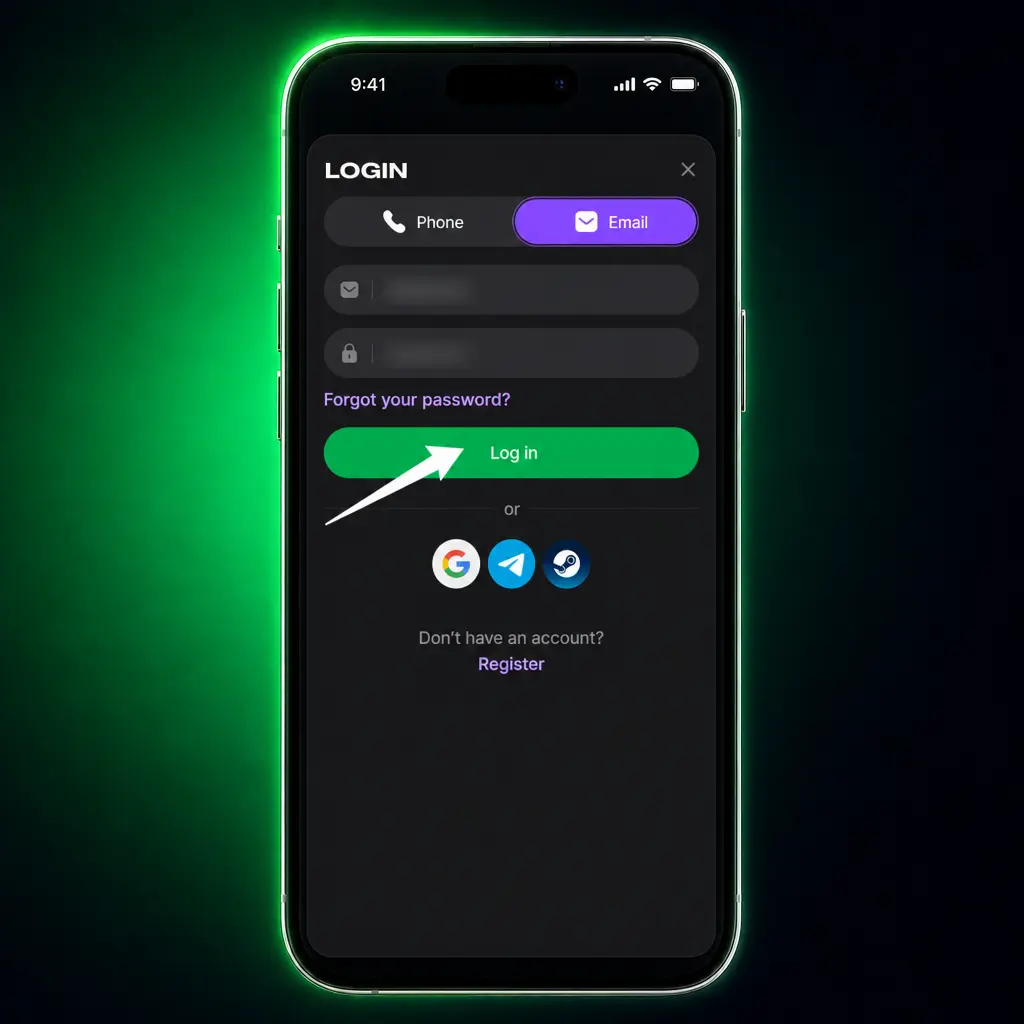
Log into your account
Click the “Verify” button below and sign in with your registered email and password.
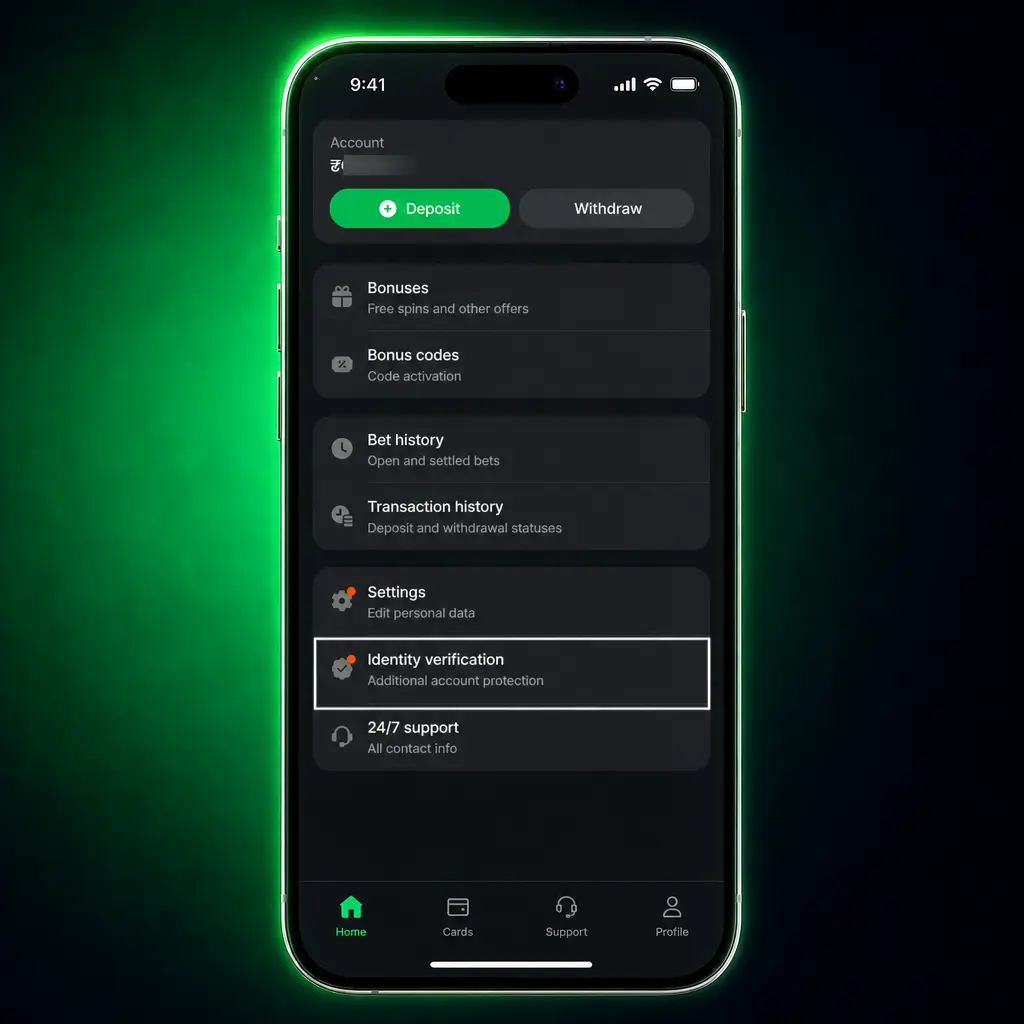
Open the verification tab
Go to “My Account” and select “Verification” from the menu.
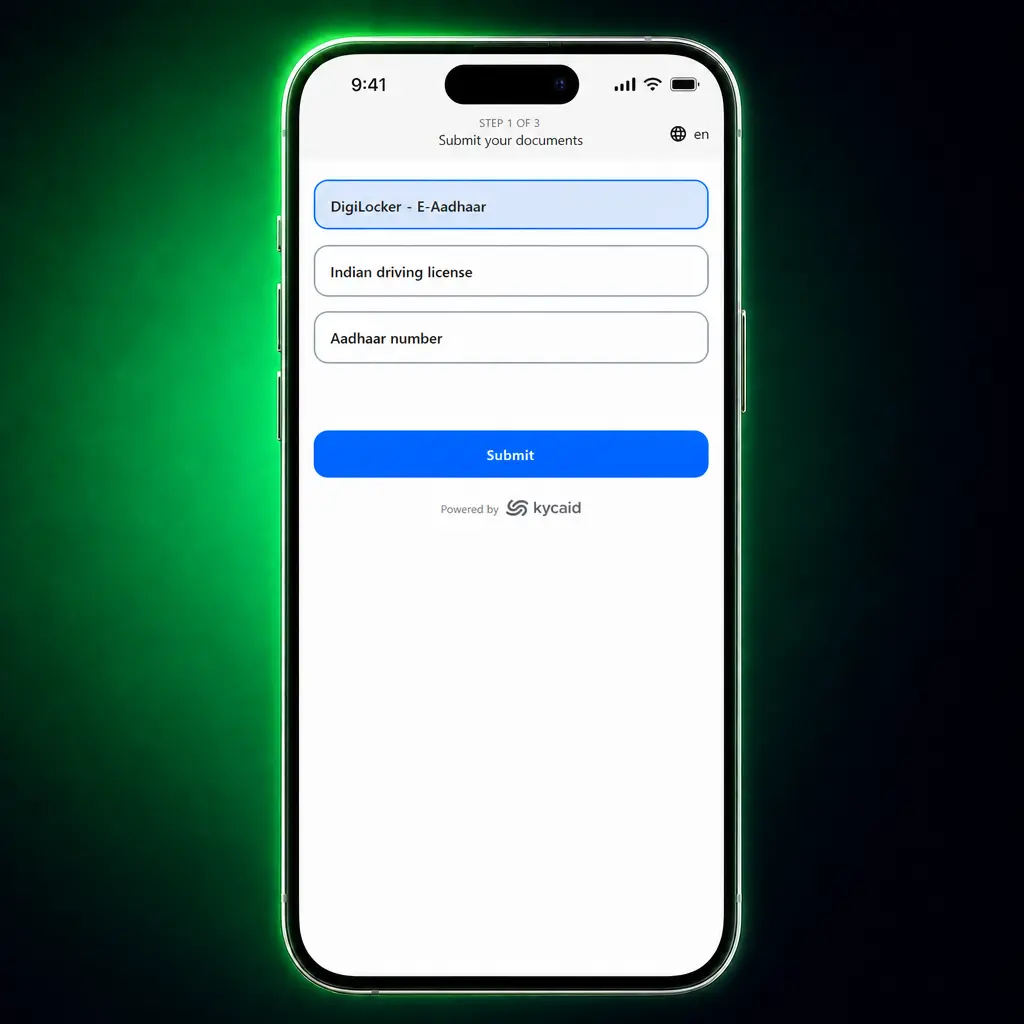
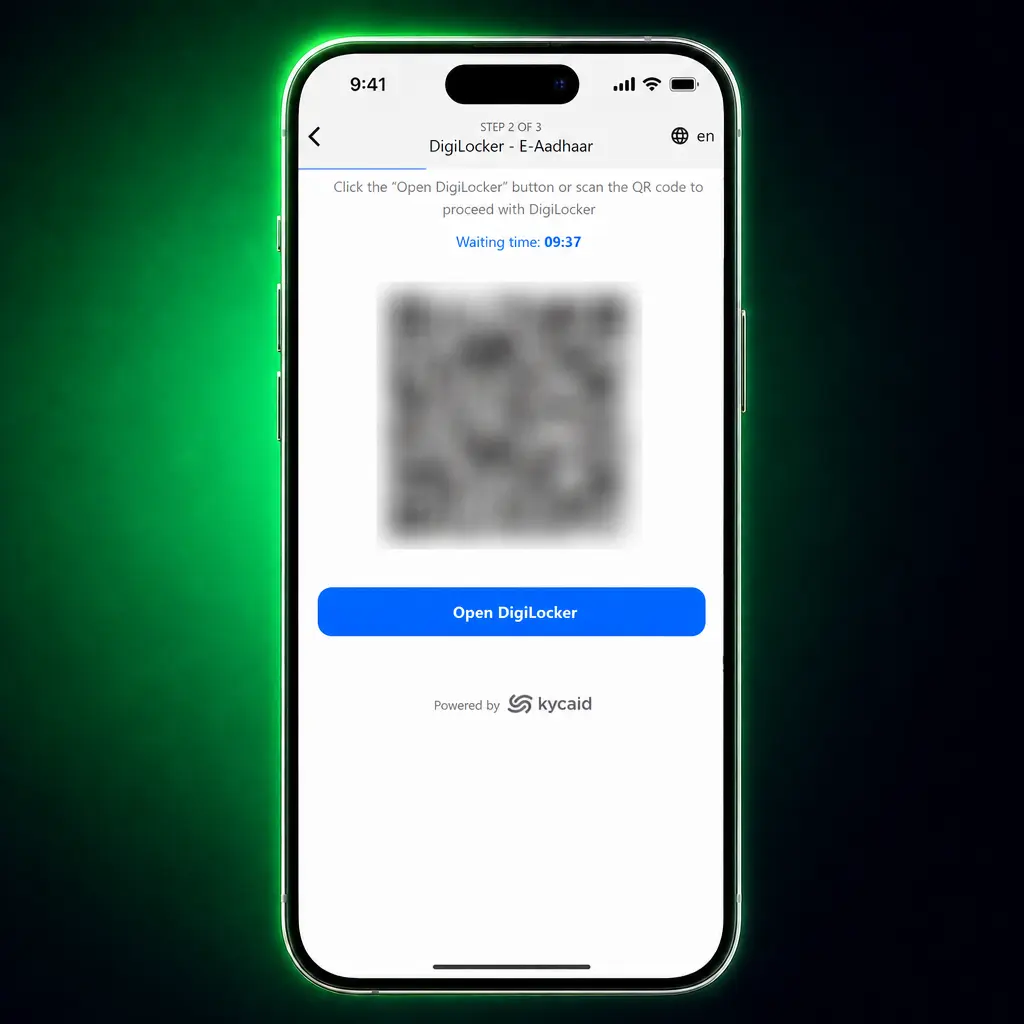
Upload your identity proof
Submit a photo of your Aadhaar card, PAN card, or passport.
Confirm your address and payment details
Upload a utility bill or bank statement dated within the last 3 months, along with your UPI ID screenshot.
Wait for approval
Receive a confirmation email once the compliance team approves your documents, typically within 24 hours.
Requirements for Successful Lucky Star Account Verification
Every player must meet basic requirements before Lucky Star approves account verification. Check this list before you submit your documents.
- You must be at least 18 years old, the minimum gambling age in India;
- Your registered name must match the name printed on your identity proof;
- Your account must use one email address and one mobile number only;
- Your documents must stay valid and unexpired at the time of submission;
- Your uploaded files must stay in JPG, PNG, or PDF format, under 5MB each;
- Your residential address must match the state declared during registration.
Documents Required for Lucky Star Account Verification
Lucky Star asks for 3 categories of documents during the account verification process. Each document must display the specific information listed below.
- Identity proof: Aadhaar card, PAN card, voter ID, or passport showing your full name, photograph, and date of birth.
- Address proof: utility bill, bank statement, or rental agreement dated within the last 3 months, showing your current residential address.
- Payment proof: screenshot of your UPI app, bank passbook, or digital wallet account showing your name and account number matching your registration details.
- Selfie verification: a photograph of yourself holding your identity proof, taken on the day of submission.
Importance of Lucky Star Account Verification
Verification protects both your funds and your account on this platform. These are the main reasons to complete this step.
- Withdrawal access: your payouts to your bank account or UPI ID process only after verification clears;
- Bonus eligibility: several promotions on Lucky Star require a verified account before credit;
- Fraud prevention: verification stops unauthorized persons from accessing your balance;
- Account recovery: a verified email and phone number let you reset your password within minutes;
- Compliance: verification keeps your account aligned with AML regulations followed in India;
- Faster support: customer support stays available and resolves verified account queries quicker than unverified ones.
FAQ
How long does Lucky Star account verification take?
Most accounts clear within 24 hours after you submit complete documents. Complex cases may take up to 72 hours.
Can I play before my account gets verified?
You can place bets and spin slots before verification completes. Withdrawals stay locked until the compliance team approves your documents.
What happens if my documents get rejected?
You receive an email with the rejection reason. Customer support stays available for questions. You can resubmit corrected documents through the Verification tab in My Account.
Does verification cost anything?
Verification at Lucky Star costs nothing. The process stays free for every player.
Can I change my registered mobile number after verification?
You can request a mobile number change through customer support. The support team may ask for fresh documents to confirm the update.
Updated: